28
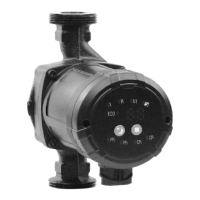
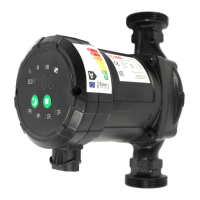
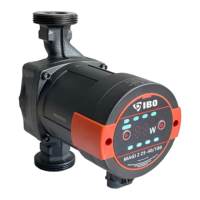
Control panel
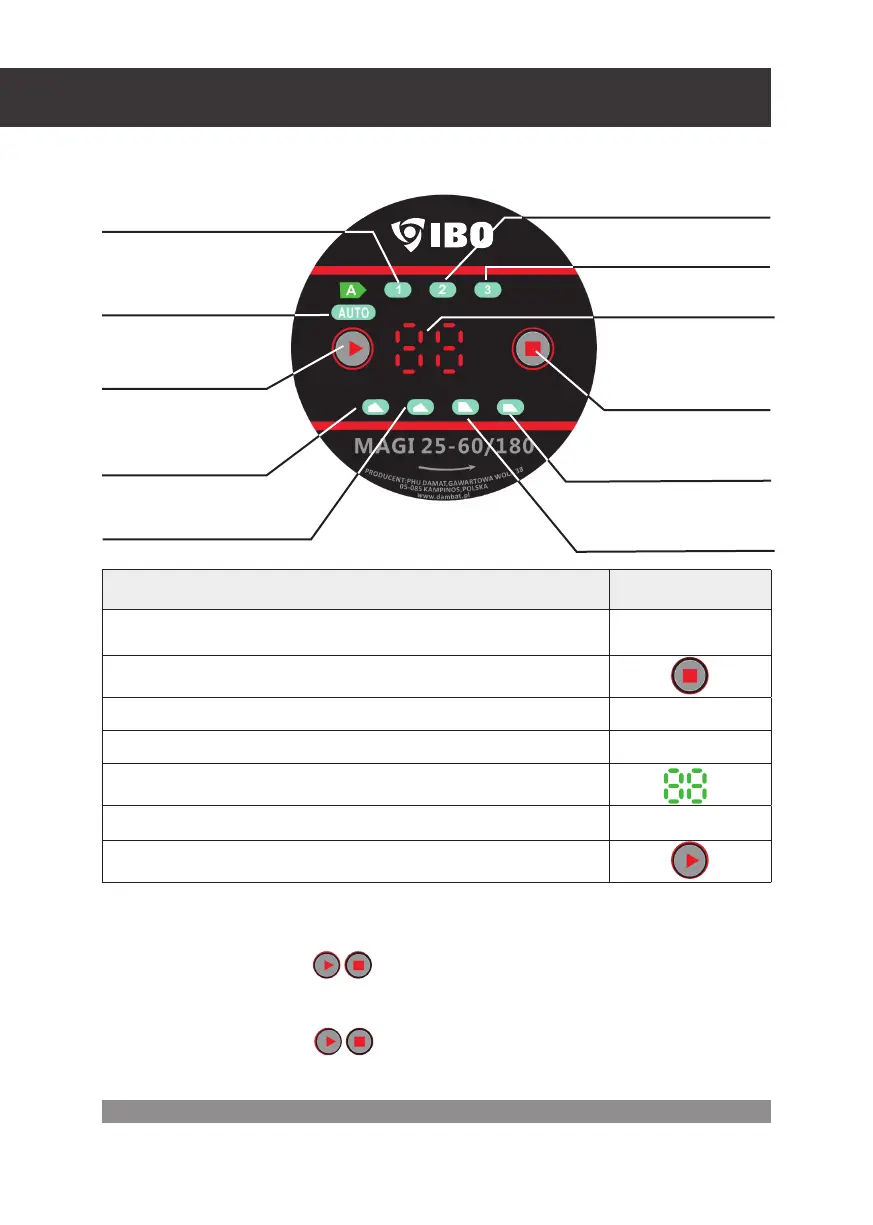
Control panel elements
Function description: Symbol:
AUTO/ECO function switch for automatic pump parameter selection depending
onthe CO system status
AUTO
Operating mode change button
Operation index acc. to the proportional pressure characteristics
LPP, HPP
Operation index acc. to the constant pressure characteristics
LCP, HCP
Current consumption in Watt display
Operation index acc. to constant rotary speed
1, 2, 3
Changing mode button 40-60
W
Constant speed mode
indicator medium gear – 2
Constant speed mode
indicator high gear – 3
Power consumption
display (Watt)
Operation mode changing
button constant speed
/ constant pressure /
proportional pressure)
Constatnt speed motor indicator low
gear –1
Changing mode button
(40/60)
Proportional pressure
characteristic mode indicator
(highier range)
Proportional pressure characteristic
mode indicator (lower range)
Auto adaptation mode
indicator AUTO
Constant pressure characteristic
mode indicator (lower range)
Constant pressure
characteristic mode
indicator (higher range)
Panel Lock
1. To lock the control panel:
Press and hold two buttons for 5 seconds. The control panel is unlocked.
After unlocking the panel, the buttons perform the control function again.
2. To unlock the control panel:
Press and hold two buttons for 5 seconds. The control panel is unlocked.
After unlocking the panel, the buttons perform the control function again.


 To Next Page