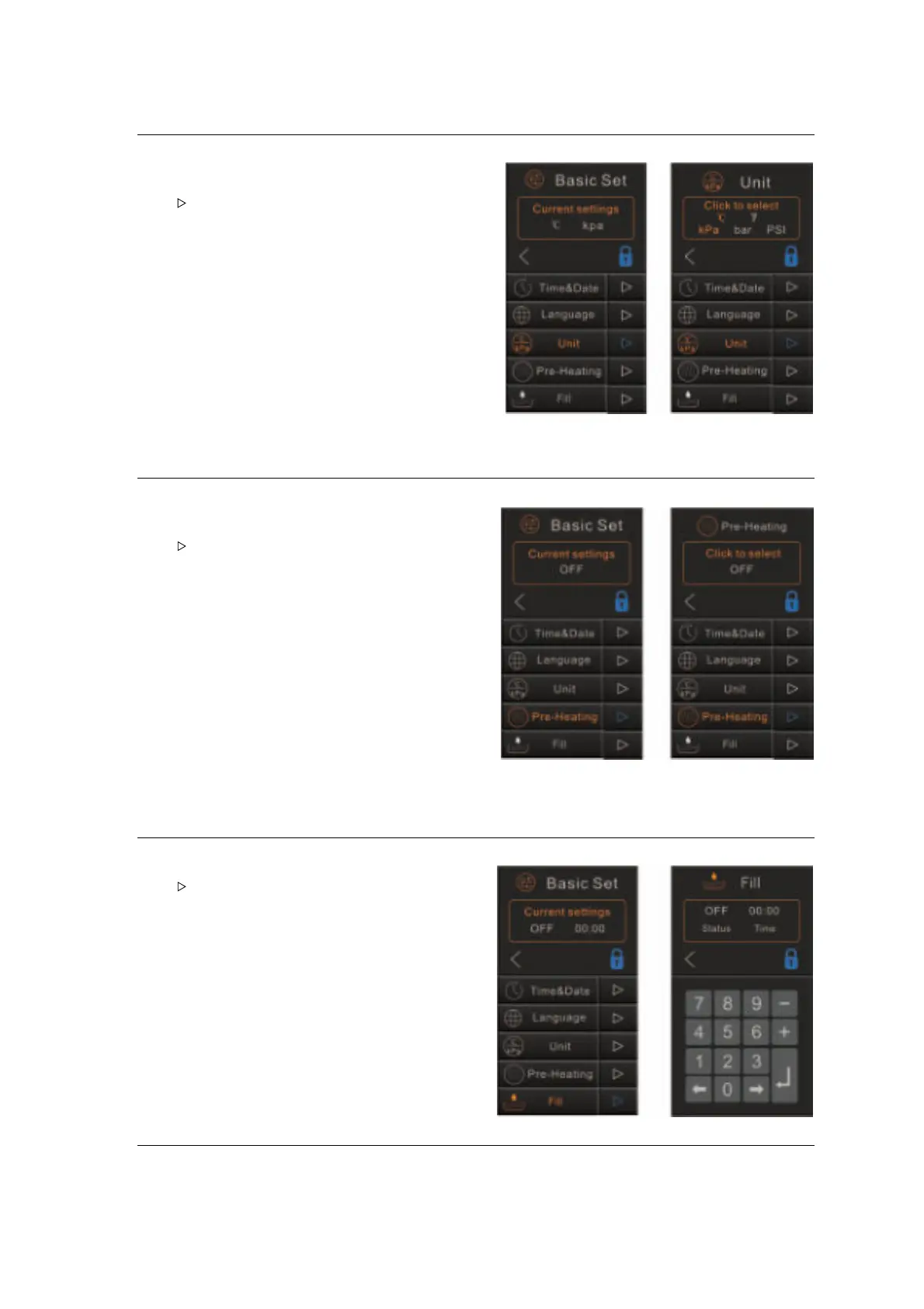
Unit
Select “Unit”.
The screen will show the current configuration.
Tap “ ”to enter the menu.
Select the parameter, the selected parameter will
light orange.
Tap “<” to save and back.
.
Pre-Heating
Tap “Pre-heating” button.
The screen will show the current configuration.
Tap “ ”to enter the menu.
Tap ON or OFF to select.
tap “<” to save and back.
Fill
Select “Fill”.
Tap “ ”to enter the menu.
Tap the number 0~9 to set the automatic water
filling time. (We recommend to set at “05:00”).
If set at “00:00”, the automatic water filling
function will be OFF.


 To Next Page