End of the cycle
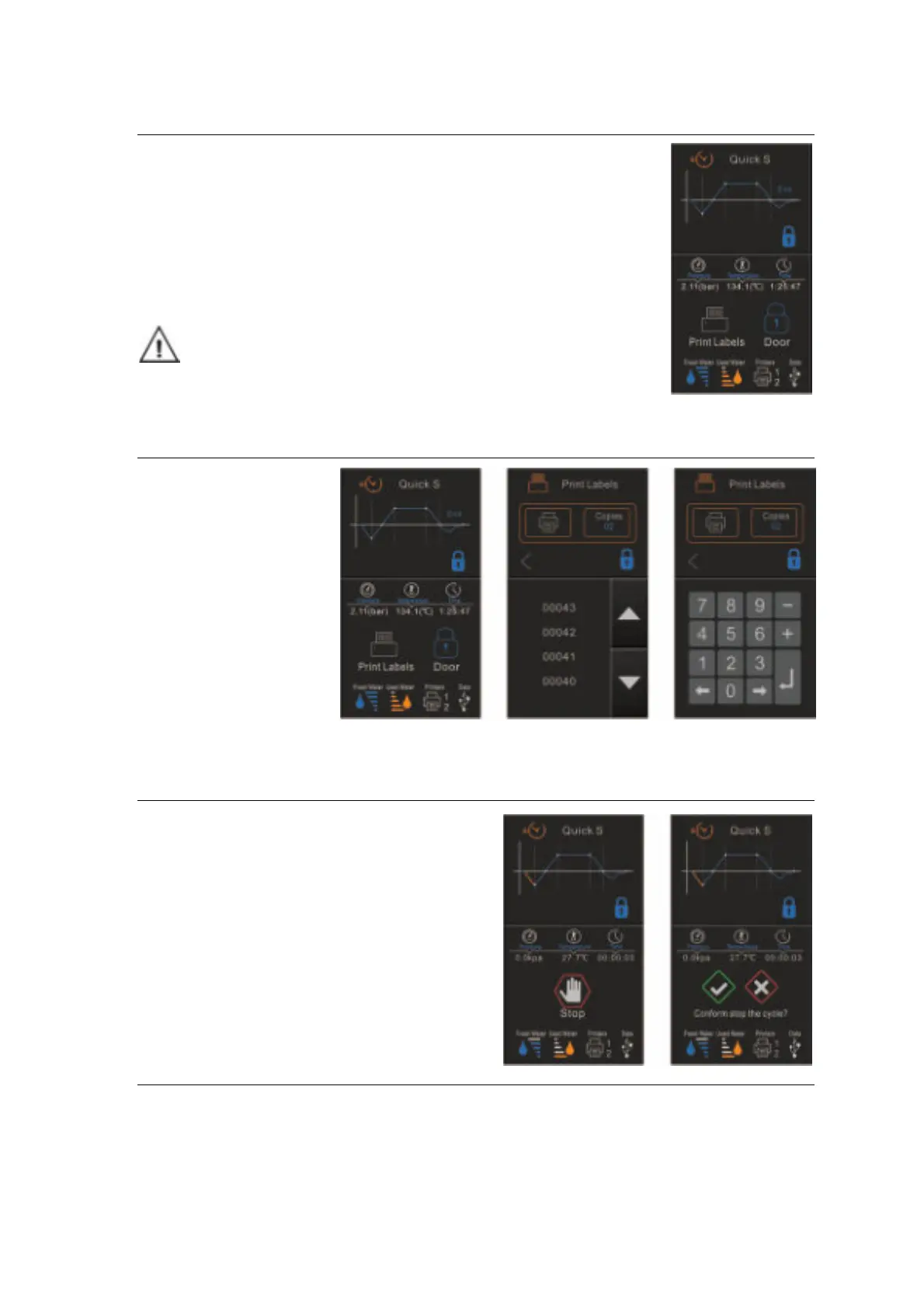
Once the cycle is completed, “End” will appear at the end of the graphic, the
printer will print out and the digital report saved in the USB memory is these are
connected.
To open the door, tap to the door status icon.
If the label printer is connected (Optional) (See label printer), the icon will appear
next to the door status icon.
Caution: Always use the tray handle to load or unload the tray into the
sterilizer. Failure to do so can result in burning.
If the label printer is connected
At the end of a
successful cycle, if the
label printer is connected,
the printer icon will
appear. Tap the icon to
print the labels. Tap
labels icon and select the
number of copies, tap
printer icon to print the
labels.
Manually interruption of the cycle
To interrupt a started cycle prematurely, tap “Stop”
and “✓” to confirm.


 To Next Page