EasyManua.ls Logo

ICM Controls SC 2300 - User Manual

ICM Controls SC 2300
16 pages
Print Icon
To Next Page IconTo Next Page
Loading...
2 Heat/2 Cool
Non-Programmable
Manual Changeover
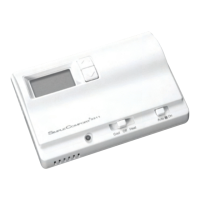
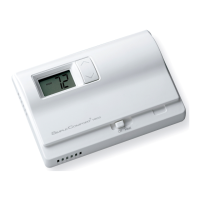
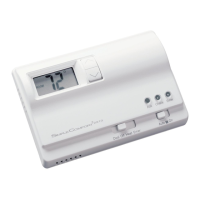
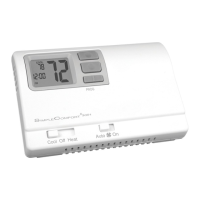
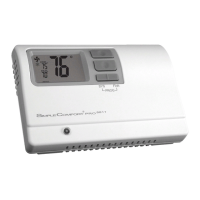
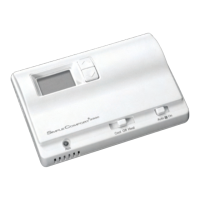
SC 2300
Non-Programmable Electronic Thermostat
Installation, Operation & Application Guide
For more information on our complete range of American-made
products – plus wiring diagrams, troubleshooting tips and more,
visit us at www.icmcontrols.com
Up to two-stage heat / two-stage cool
Mercury-free, environmentally safe
For use with 24 VAC systems
Non-heat pump
Manual Changeover
Compatible with Gas, Oil, or Electric

Questions and Answers

ICM Controls SC 2300 Specifications

General IconGeneral
TypeProgrammable
Power Source24 VAC
Voltage24 VAC
DisplayLCD
BacklightYes
Thermostat TypeDigital
Stages1 Heat/1 Cool
MountingWall Mount
CertificationsUL Listed
Temperature Range45°F to 90°F (7°C to 32°C)
Temperature DifferentialAdjustable
Weight0.5 lbs
Operating Humidity5% to 95% RH, non-condensing

Summary

Parts Diagram

Specifications

Important Safety Information

Product Information

Package Contents and Tools

Lists items included in the package and tools needed for installation.

General Description

Provides an overview of the thermostat's capabilities and intended use.

Features and Benefits

Highlights the key advantages and functionalities of the thermostat.

Installation Procedures

To Remove Existing Thermostat

Step-by-step guide for safely removing the old thermostat from the wall.

To Install Thermostat

Detailed instructions for mounting and connecting the new thermostat.

Maintenance and Configuration

Installing and Changing Batteries

Procedures for inserting and replacing the thermostat's batteries.

Replacing Wiring Labels

Instructions for using new labels to identify thermostat wiring connections.

Operation

Setting the Setpoint Temperature

Adjusts the desired temperature for heating or cooling cycles.

Setting a New Temperature Differential

Configures the temperature range for system cycling to prevent frequent on/off cycles.

Changing Fahrenheit to Celsius

Switches the temperature display between Fahrenheit and Celsius units.

Starting the Thermostat

Configures fan and mode settings for initial system operation.

Indicator and Diagrams

LED Indicator

Explains the function and meaning of the thermostat's LED light.

Wiring Diagrams

Illustrates typical wiring configurations for system connections.

Troubleshooting and Warranty

Troubleshooting

Provides solutions for common issues encountered with the thermostat.

One-Year Limited Warranty

Details the warranty coverage and terms for the thermostat.

Related product manuals