SCAN OPERATION
5
16
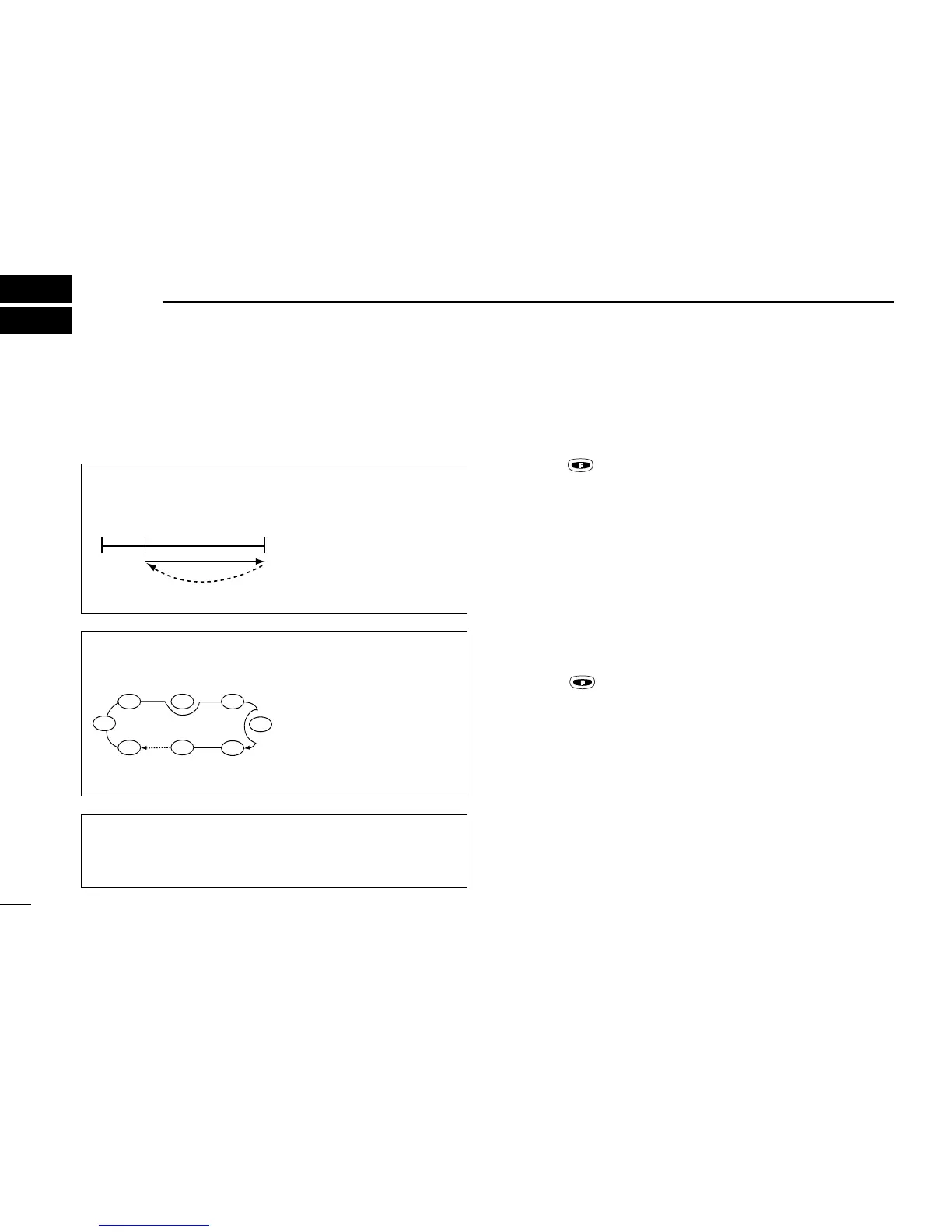
■ Scan types
The U.S.A. version has 3 scan types to suit your needs. The
non-U.S.A. versions have 2 scan types.
■ COM band scan
q Push [CLR] to select VFO mode.
w Set squelch to the point where noise is just muted.
e Push , then push [SQL (SCAN)] to start the scan.
• When a signal is received, the scan pauses until it disap-
pears.
• To change the scanning direction, rotate the [DIAL].
r To stop the scan, push [CLR].
■ Memory scan
q Push [MR] to select memory mode.
w Set squelch to the point where noise is just muted.
e Push , then push [SQL (SCAN)] to start the scan.
• When a signal is received, the scan pauses until it disap-
pears.
• To change the scanning direction, rotate the [DIAL].
r To stop the scan, push [CLR].
WEATHER CHANNEL SCAN
Repeatedly scans all “TAG” weather channels. Weather
channels are available for the U.S.A. version only.
MEMORY SCAN
Repeatedly scans all
“TAG” memory channels.
Used for checking often-
used channels and by-
passing usually busy
channels such as control-
tower frequencies..
COM BAND SCAN
Repeatedly scans all fre-
quencies over the entire
COM band.



 To Next Page