20
6
VOR NAVIGATION
■ Flying to a VOR station
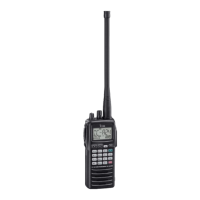
The IC-A23 shows the deviation from a VOR station.
q Select a VOR station on your aeronautical chart and set
the frequency of the station.
•The course indicator indicates where you are located on a radial
from the VOR station.
•The course indicator shows ‘- -’ when either aircraft is too far
away from the VOR station or the frequency is not set correctly at
the VOR station.
w Select the ‘TO’flag when flying to the VOR station, or se-
lect the ‘FROM’flag when flying away from the VOR sta-
tion.
•To select ‘TO,’ push , then [2 (TO)].
•To select ‘FROM,’ push , then [3 (FROM)].
e Push , then [4 (CDI)] to select CDI (Course Deviation
Indicator) mode.
•The course indicator shows ‘OF’ when the desired VOR signal
cannot be received.
When CDI mode is selected, the operating frequency can-
not be changed. To set the operating frequency, select
DVOR mode in advance.
r The course deviation needle appears when your aircraft is
off course from the VOR station.
•‘Ω’ or ‘≈’ appears to indicate your aircraft is off course to the right
or left, respectively. Correct your course until ‘Ω’or ‘≈’ disappears.
Each arrow represents a two-degree deviation.
t To exit CDI mode, push , then [1 (DVOR)].
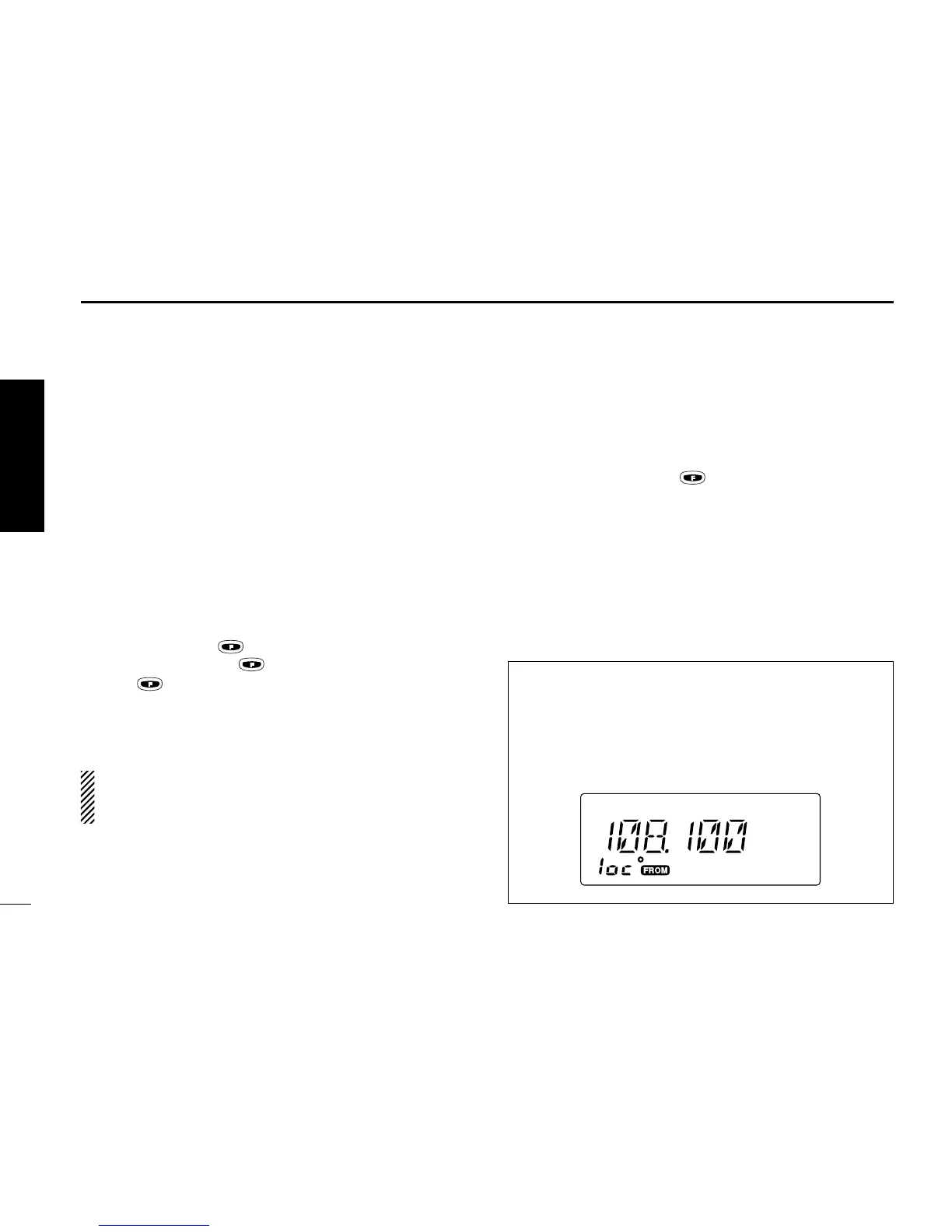
VOR INDICATOR NOTE
‘loc’ appears on the function display as shown below when
a localizer signal is received.
However, the function display does not indicate additional
information about the localizer signal.
VOR NAVIGATION


 To Next Page