EasyManua.ls Logo

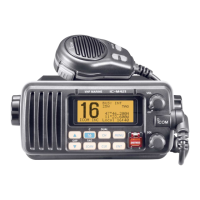
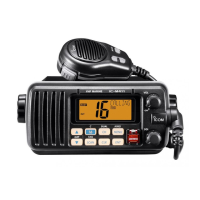
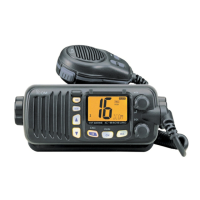
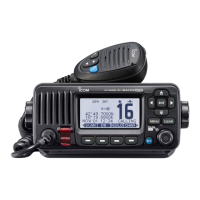
Icom IC-M423GE - User Manual

Icom IC-M423GE
110 pages
Print Icon
To Next Page IconTo Next Page
Loading...
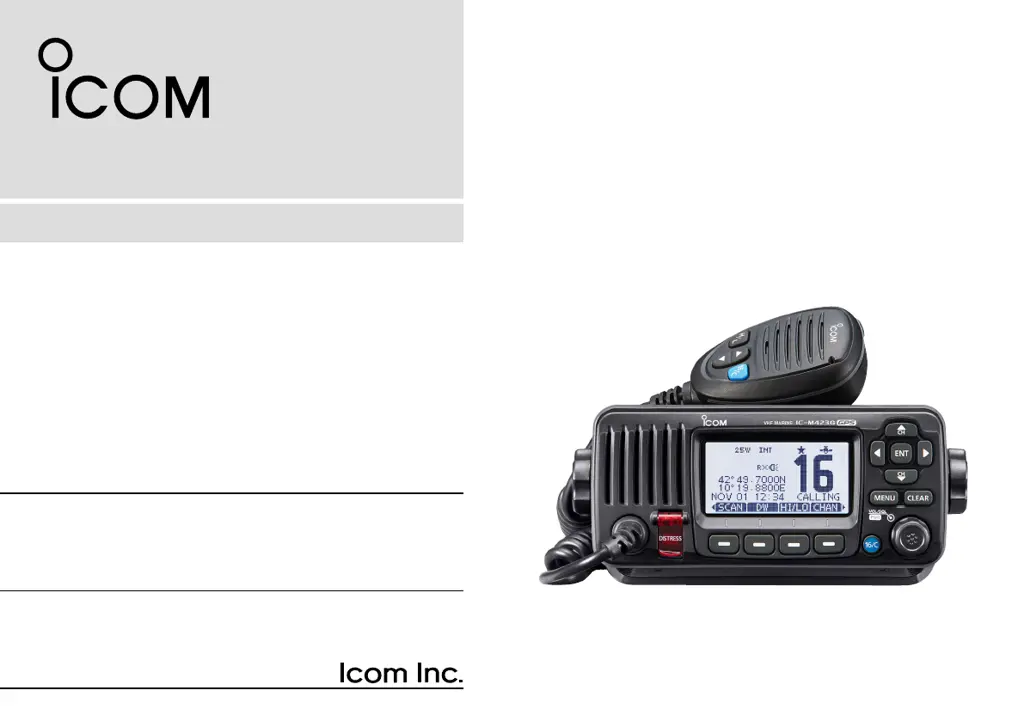
INSTRUCTION MANUAL
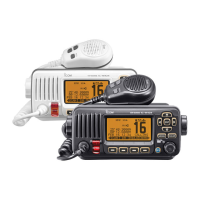
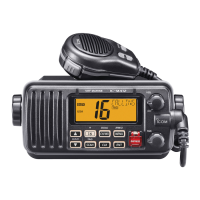
VHF MARINE TRANSCEIVERS
This device complies with Part 15 of the FCC
Rules. Operation is subject to the condition that
this device does not cause harmful interference.
|M423
|M423G
|M423GE
|M424
|M424G
IC-M423G

Table of Contents

Questions and Answers

  • J
    Javier CobbSep 12, 2025
    How to turn on beep sounds on Icom IC-M423GE?
    • K
      Kimberly GallagherSep 12, 2025
      If you are not hearing any beep sounds on your Icom Transceiver, it is likely that the beep tones are turned off. Go to the CONFIGURATION menu and turn the beep tones ON.
  • H
    Heather SteeleSep 12, 2025
    What does 'NO POSITION' and 'NO TIME' mean on Icom Transceiver?
    • E
      Eric JohnsonSep 13, 2025
      If your Icom Transceiver displays “NO POSITION” and “NO TIME” instead of the position and time (for IC-M423G, IC-M423GE, and IC-M424G models only), this indicates that the GPS signal is not being received correctly. Ensure the transceiver is mounted in a location where no objects obstruct the satellite signal. If that doesn't work, you may need to manually enter the position and time.
  • A
    April CamposSep 15, 2025
    Why distress calls cannot be transmitted on Icom Transceiver?
    • M
      Megan ConleySep 15, 2025
      If distress calls cannot be transmitted from your Icom Transceiver, the MMSI (DSC self ID) code has not been entered. Enter the MMSI (DSC self ID) code into the transceiver.

Icom IC-M423GE Specifications

General IconGeneral
BrandIcom
ModelIC-M423GE
CategoryTransceiver
LanguageEnglish

Related product manuals