42
7
DSC OPERATION
■ Making DSC calls
Making a Polling Request call (continued) D
Push [CALL] to make a Polling Request Call. r
•IfChannel70isbusy,thetransceiverstandsbyuntilthechannel
becomes clear.
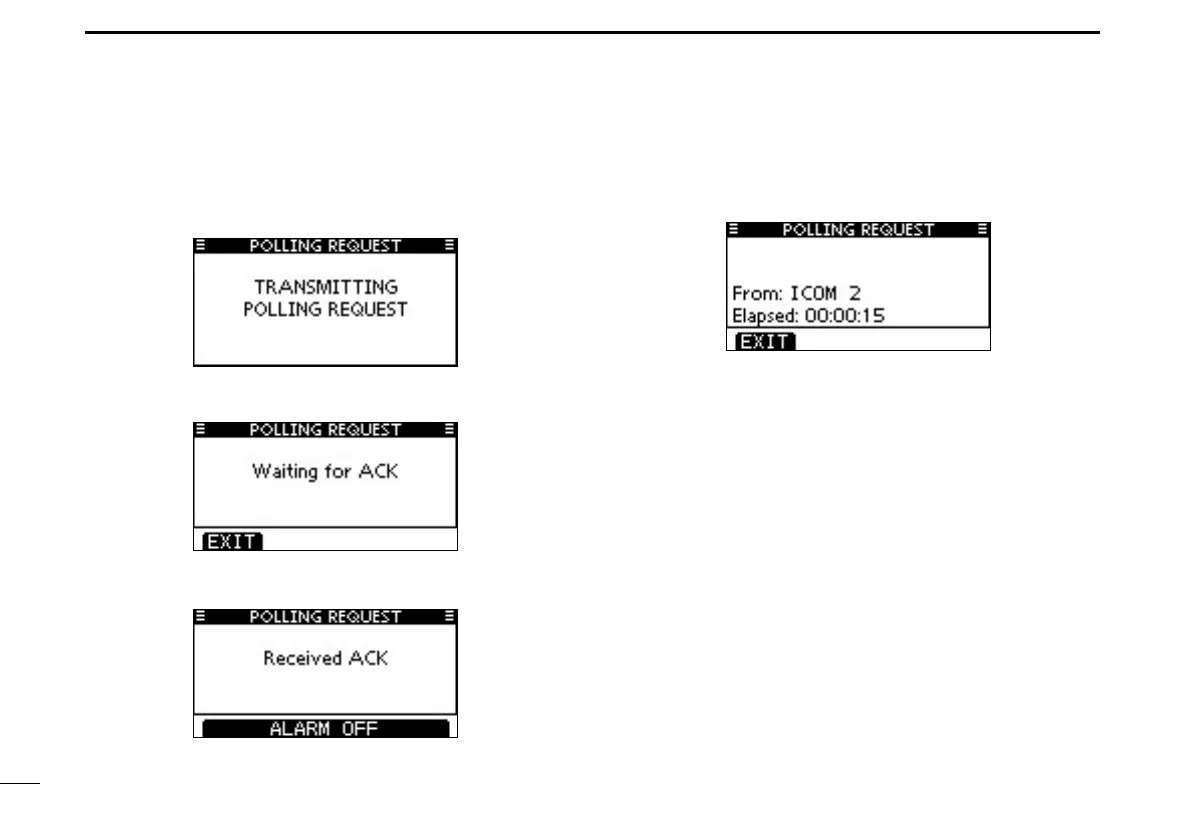
After the Polling Request Call has been transmitted, the t
following screen is displayed.
When the acknowledgement call is received, alarm sounds y
and the following screen is displayed.
Push [ALARM OFF] to stop the alarm, and then the screen u
as shown below is displayed.
Push [EXIT] to return to the normal operating mode. i



 To Next Page