iconBIT XDS100GL User Manual
22
3.2.2 Movie Playback Control
You can access the following functions during playback.
3.2.3 Movie Playback Options
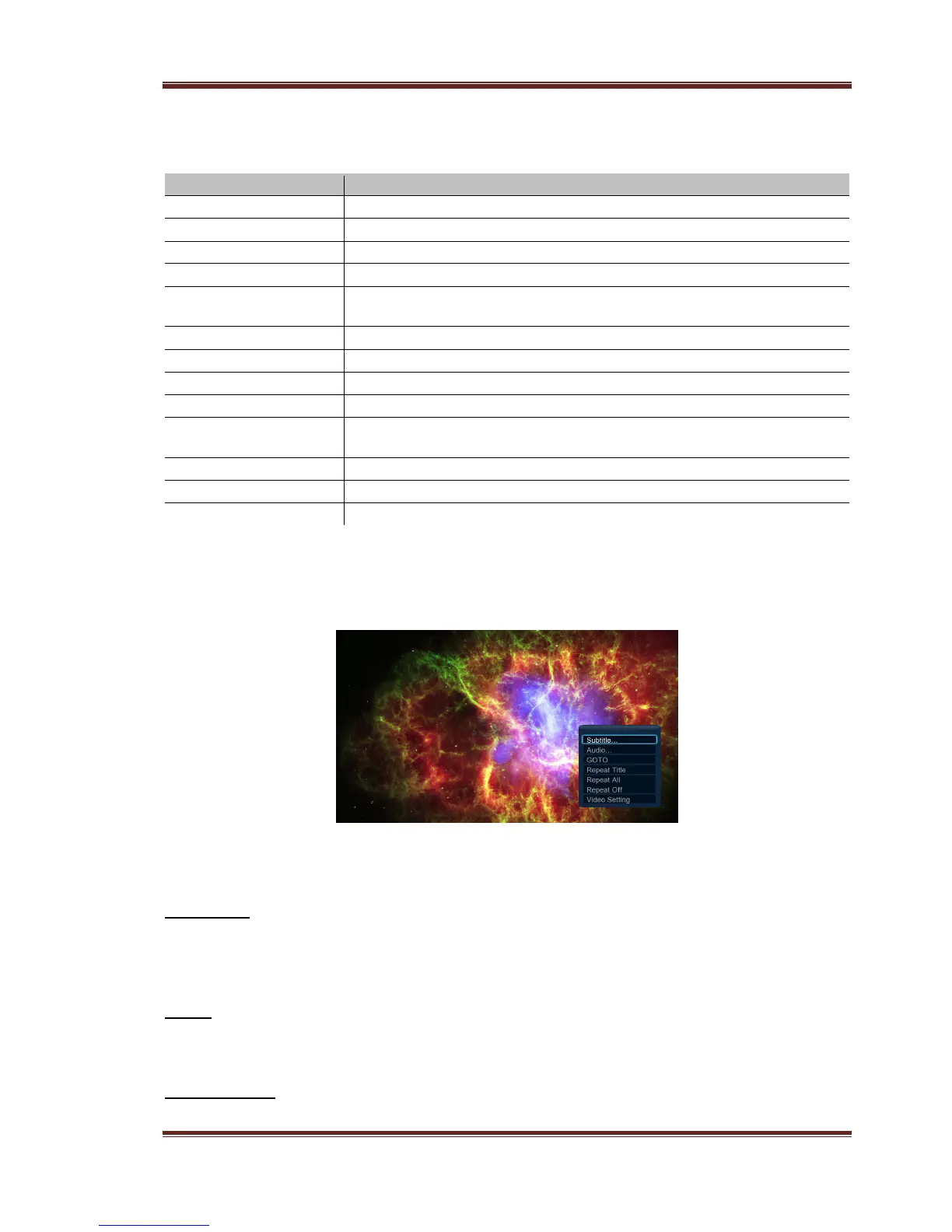
During movie playback, press Menu button to display or hide the option menu at the
bottom of the screen.
Except select audio track, subtitle, repeat mode, you also can get following functions though
the Option menu during video playback.
DVD Menu
- Select to return to the navigation menu during DVD IFO or ISO playback.
- Title menu, return to the main menu of entire disc during DVD playback.
- Root menu, return to the root main of each title during DVD playback.
GOTO
- Select to jump to a specific point on a title. Specify the point using Title, Chapter and
Time.
Video Setting
- Select to adjust the value of Brightness, Contrast, Saturation and Hue.



 To Next Page