iconBIT XDS100GL User Manual
25
3.4.1 Music Library Options
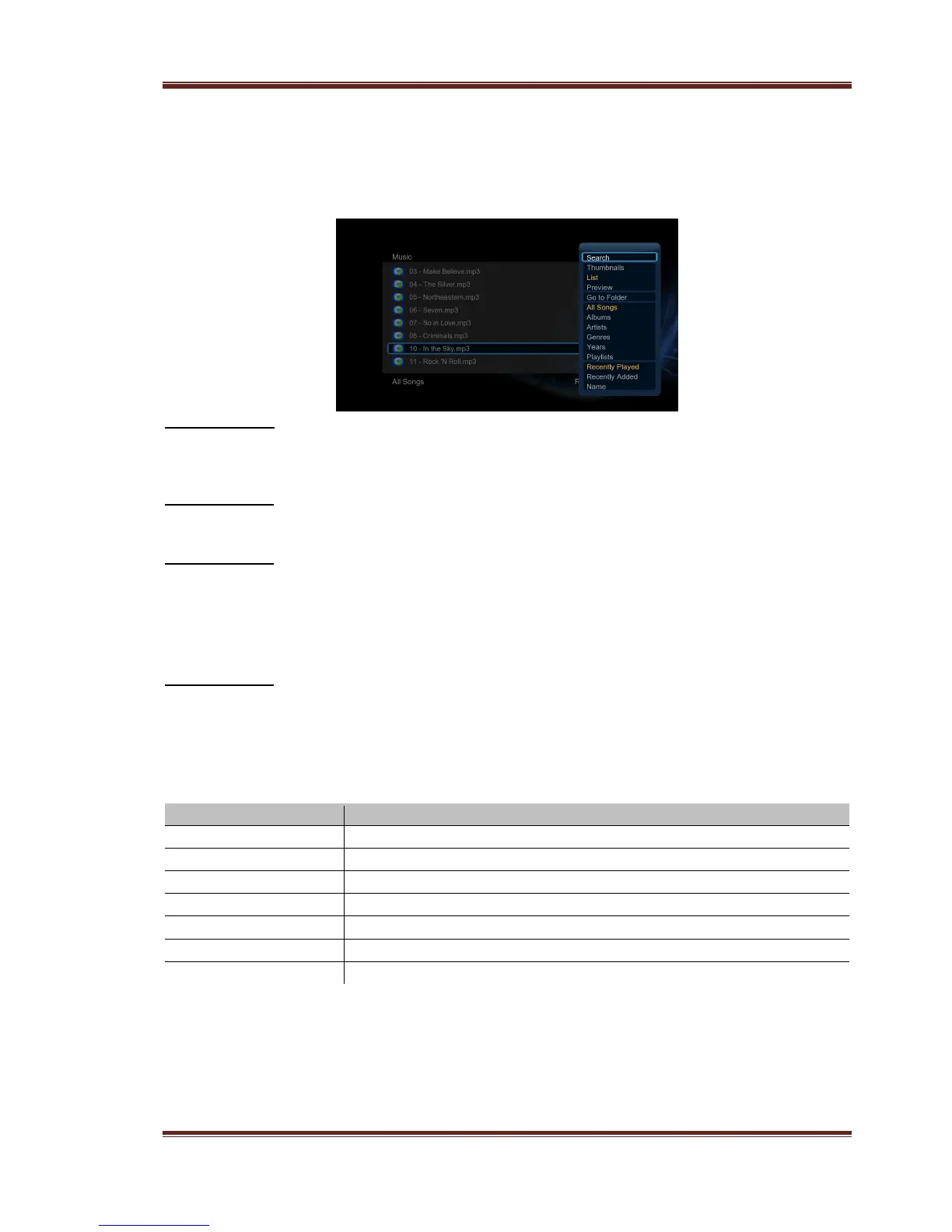
In music library, press Menu button to display the option menu, you can get following
functions though the option menu.
Quick-Search
- Choose the Search option in the option menu, you can search for a music by filter
music library to locate the specific music.
Review Mode
- Choose a review mode among Thumbnails, List, Preview from option menu.
Filter options
- Choose Albums to search for music files by album.
- Choose Artists to search for music files by artist.
- Choose Genres to search for music files by genre.
- Choose Years to search for music files by modified year.
Sorting Mode
- Choose to sorting by Name, Recently Added or Recently Played from option menu.
3.4.2 Music Playback Control
You can access the following functions during music playback.
3.4.3 Music Playback Options
During music playback, press Menu button to display or hide the option menu at the
bottom of the screen. You can get following functions though the Option menu during music
playback.



 To Next Page