iconBIT XDS8003D User Manual! English
11
2.6 Connection
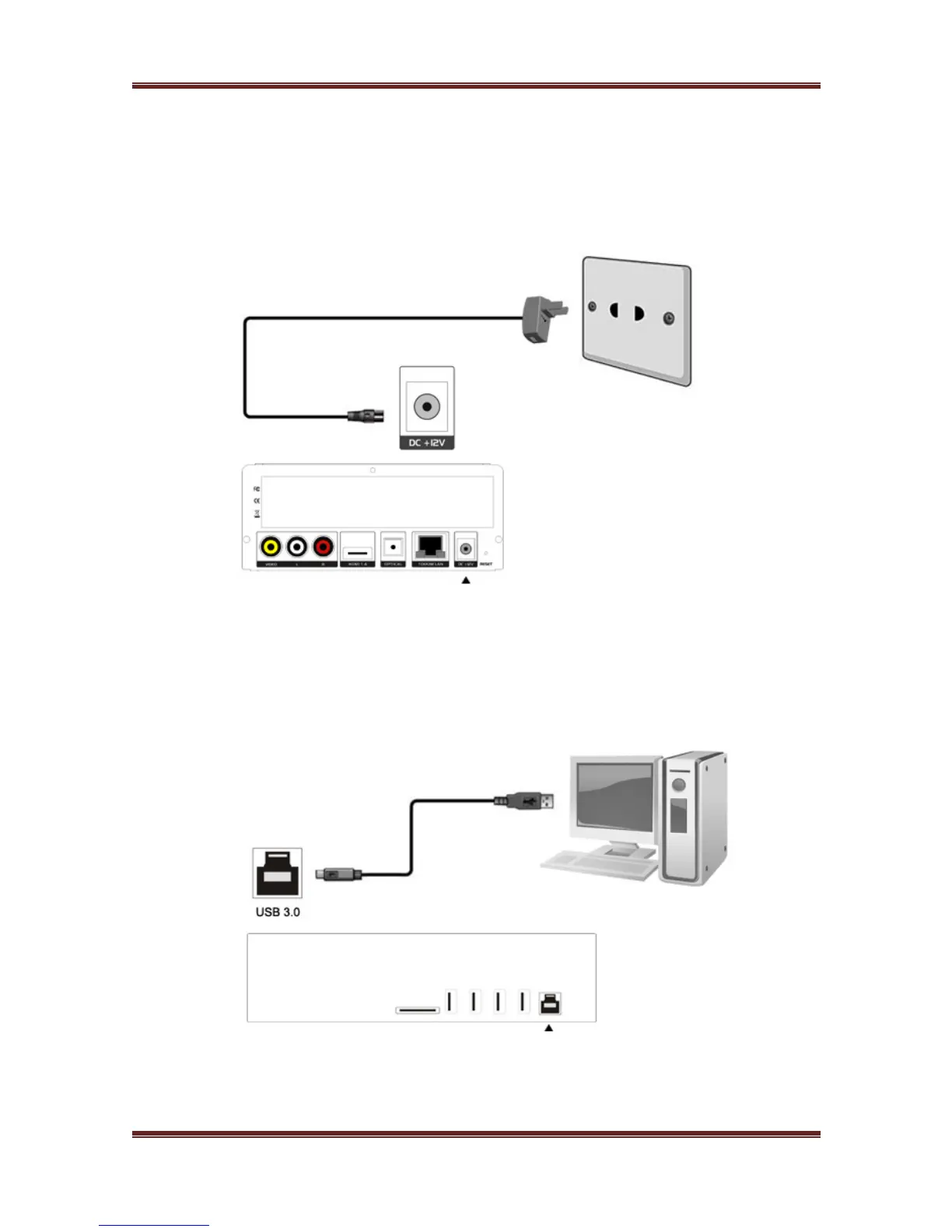
2.6.1 Power connection
1. Follow the picture and connect the AC adaptor to the player’s DC IN jack.
2. Follow the picture and plug in the AC adaptor to the power outlet.
2.6.2 Connecting to a PC
This product can be used as a portable external storage device with its built-in SATA
interface and high-speed USB 3.0.
1. Make sure the player is powered on.
2. Connect the device to PC with the USB3.0 cable.
Note: A USB 3.0 cable is necessary to use this product as a portable external storage
device. USB 2.0 cable is useless.



 To Next Page