iconBIT XDS8003D User Manual! English
32
stored on your external USB device or SD card. Select and install the .apk.
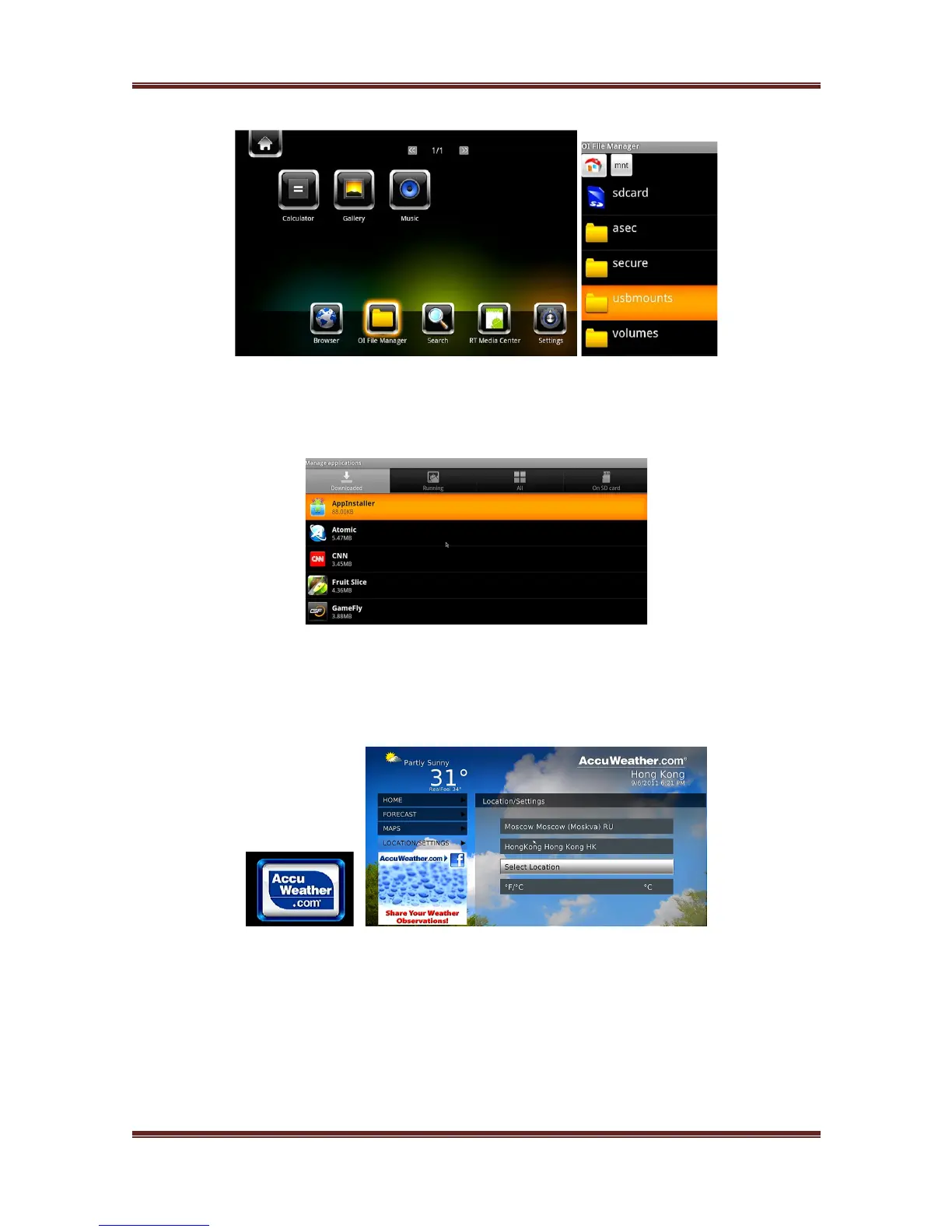
3.10.2 APK Uninstallation
Enter into Android ! Settings ! Applications ! Manage applications, All apk installed
by yourself are listed under Manage applications ! Downloaded menu. Here you can
uninstall the apk which you want.
3.11 Weather on Home menu
To display weather of the city on home menu,
Step 1, Enter into Setup!Network menu, connect your player to the Internet.
Step 2, Enter into Premium Apps !select Accu Weather ! Locations/Settings, select
the city as you wish.



 To Next Page