iconBIT XDS8003D User Manual! English
27
- Choose Photos to display all the supported image files in the current directory.
- Choose Music to display all the supported audio files in the current directory.
3.5.2 Copy under File Manager
Press Edit button to enter file editing menu, choose Copy and follow the prompt on screen
to finish the process. If you want to select more files and folders, please choose Multiple
Select to enter the file selecting menu.
3.5.3 A/V Streaming via Network
You can stream your media files shared on the home network. Please refer to ’3.1.4
Changing Network Settings’ for more details on network settings.
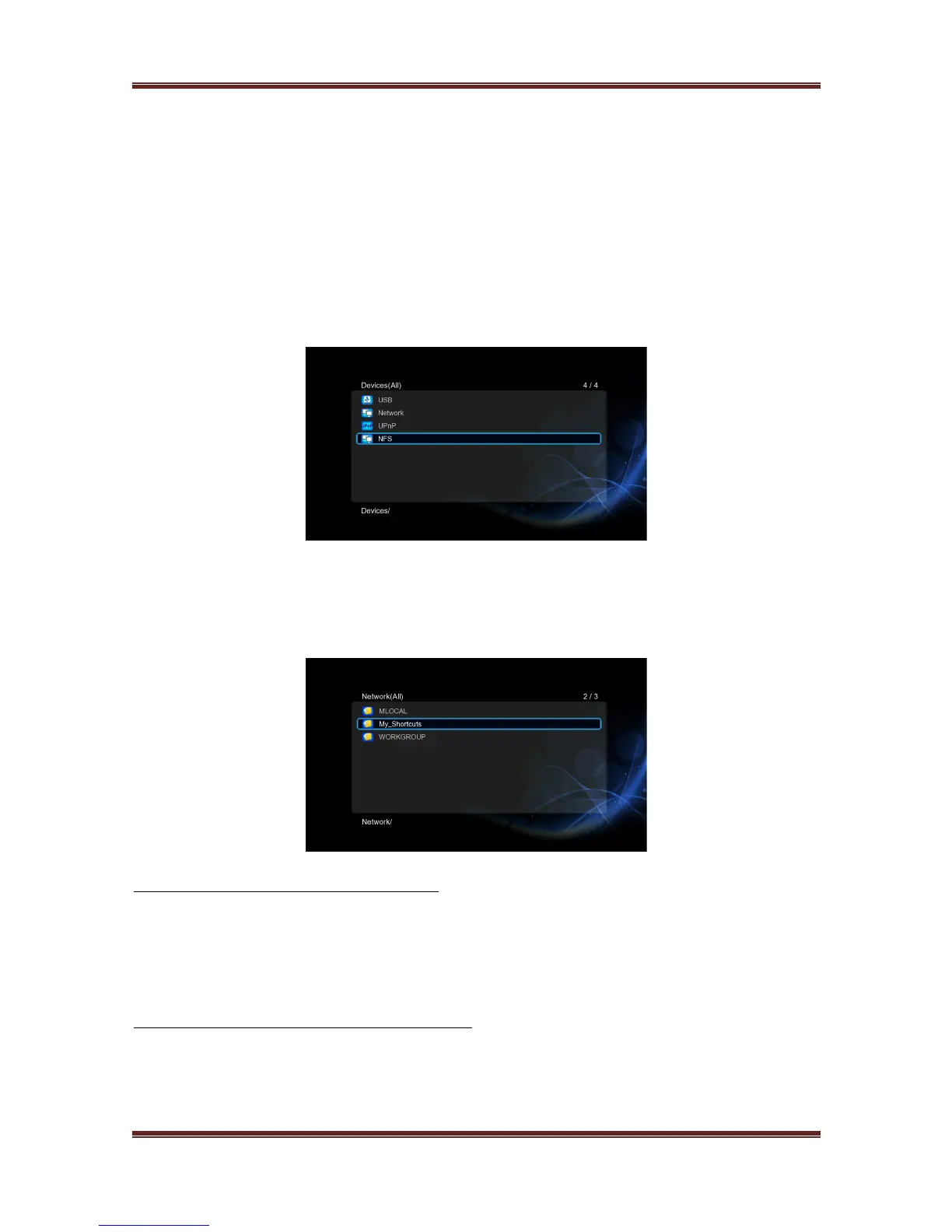
There are two ways to locate media files shared on your local network in the Network
menu. One is to browse through Workgroup; the other way is to browse through
‘My_Shortcuts’.
3.5.3.1 Browsing through workgroup
You can choose the workgroup which your PC belongs to from the workgroup list, find your
PC name, and press the OK button to confirm. Then you can select and play the shared
media files that you want to browse.
Note: Due to different network conditions, sometimes the workgroup might not be accessed
or shown in the list. And then you need to use ‘My_Shortcuts’ to browse shared files.
3.5.3.2 Browsing through ‘My_Shortcuts’
You can also set ‘Specific File Server IP’ and access it from ‘My_Shortcuts’ in the menu.
- Select ‘My_Shortcuts’ and press OK button
- Press the Red button and a popup menu appears.



 To Next Page