iconBIT XDS8003D User Manual! English
17
Mini KBD Language
- Select to change the language of the mini keyboard.
Scan storage
- Select to set the scan mode of media library.
Resume Play
- Select to turn on / off resume playback (auto-bookmarking) feature for movies.
Format
- Select to format your HDD.
BD Menu
- Here you can open the BDMV menu during BDMV folder or BD ISO playback. BD-J is not
supported.
Restore Default
- Select to restore factory defaults.
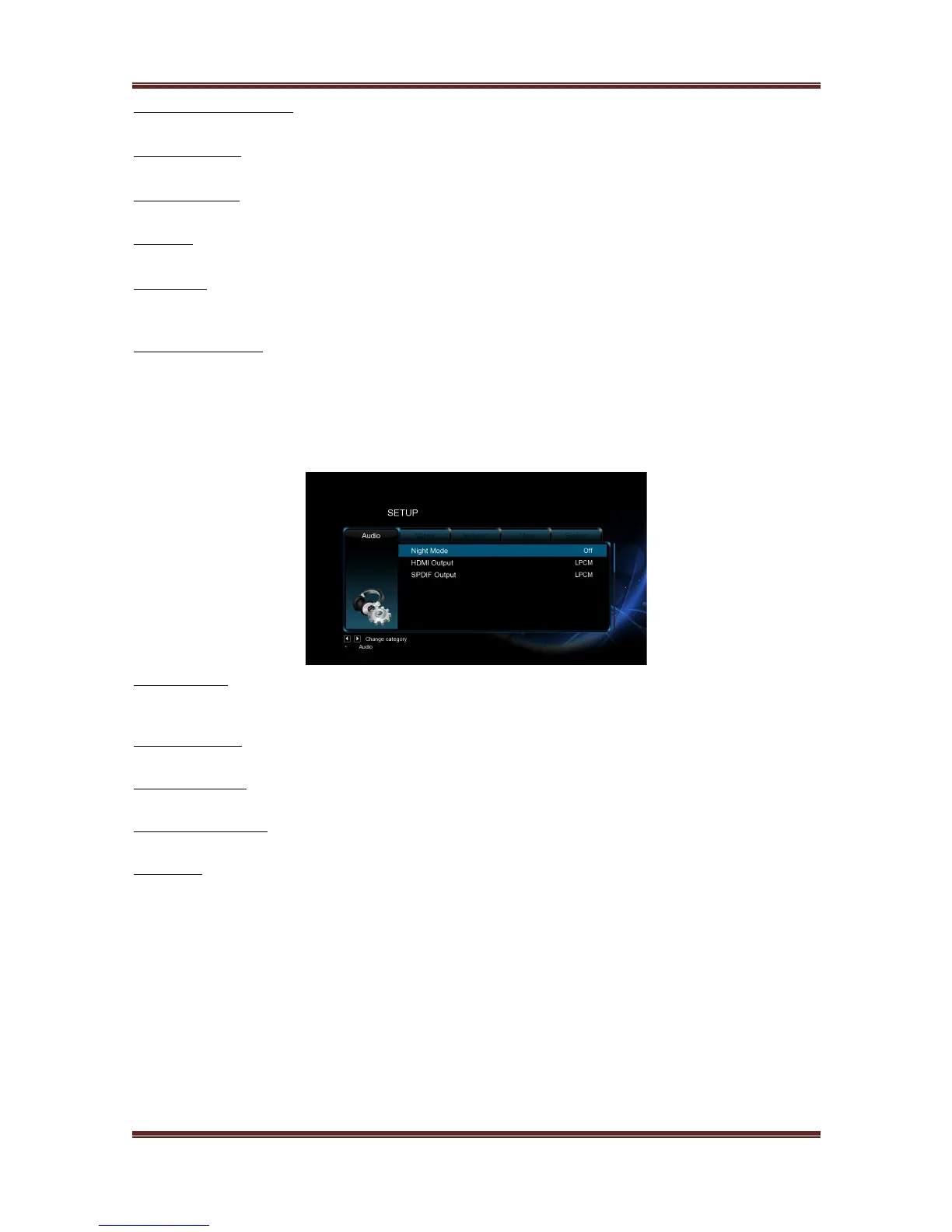
3.1.2 Changing Audio Settings
Use this menu to configure audio settings.
Night Mode
- Choose among Off / On / Comfort. If the option is turned on, the audio output volume
will be decreased to make you more comfortable.
HDMI Output
- Choose among LPCM, LPCM Multi-Ch and RAW.
SPDIF Output
- Choose among LPCM, RAW.
Surround Sound
- Choose among Don't care, AC3 and TrueHD
Lip Sync
- Choose among Lip sync (Auto), Lip sync(Manual) and Off
Note: In raw mode, Dolby TrueHD, Dolby Digital Plus, Dolby Digital, DTS sound can be by
passed to the HDMI TV or Digital amplifier.
Due to the bandwidth requirement, Dolby TrueHD and Dolby Digital Plus sound only can be
by passed through HDMI cable, also the TV system must up to 720p or above.



 To Next Page