iconBIT XDS8003D User Manual! English
14
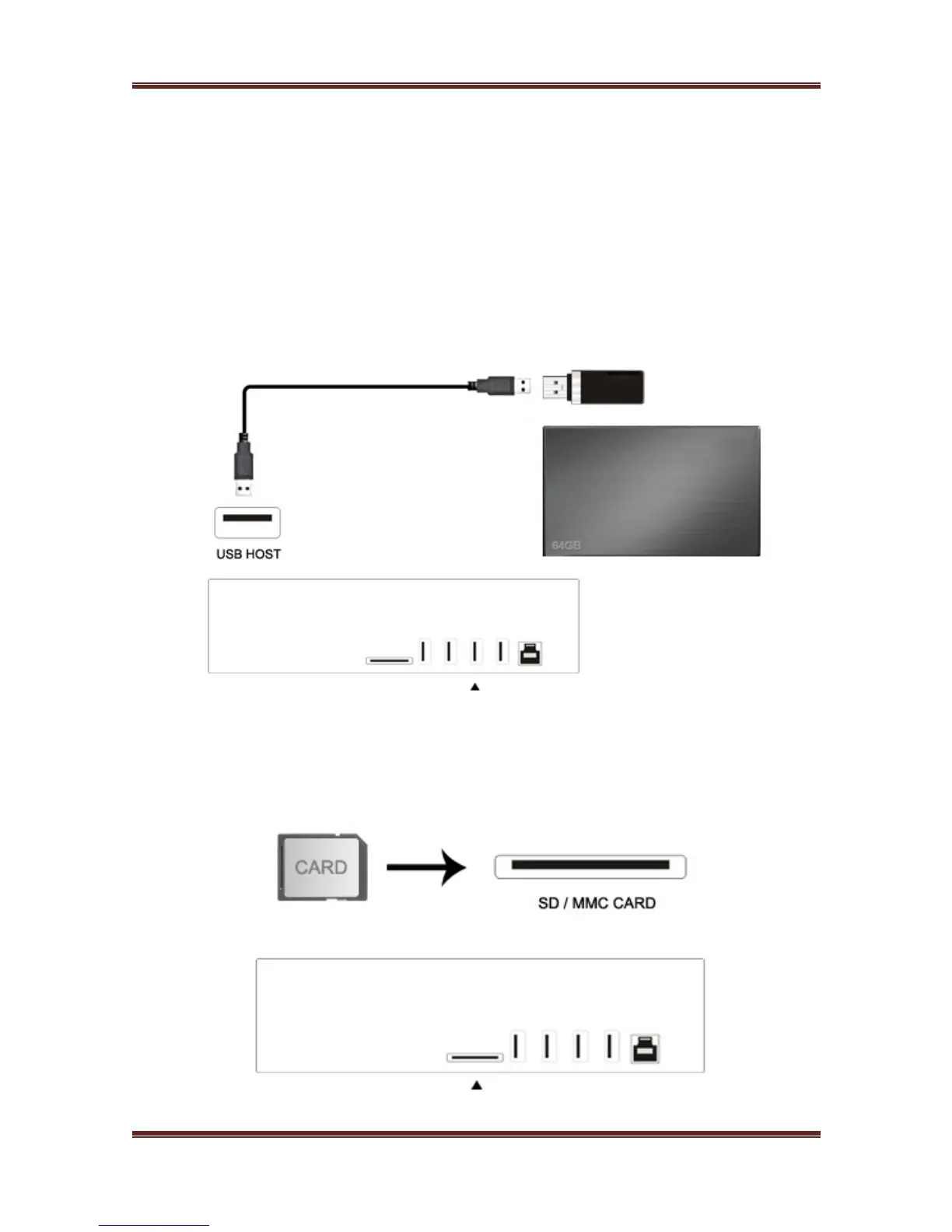
2.6.6 Connecting to a WLAN
1. Make sure the player is powered on.
2. Plug the Wireless LAN USB Adapter (i.e. Wi-Fi USB Dongle) to the USB HOST port of the
player.
Note: The Wi-Fi Dongle is an optional accessory sold separately. (Please refer to ‘3.1.4
Changing Network Settings’ for more details about wireless setup).
2.6.7 USB Mass Storage Device (USB stick, USB HDD etc.) Connection
1. Make sure the player is powered on.
2. Plug in the USB stick or USB HDD etc. to one of the USB host ports of this player.
2.6.8 Connecting a Memory Card
Memory card can be used by inserting into the card slot
1. Follow the picture to insert the memory card into the card slot properly.
2. Insert the card by following the arrow pointer in the picture



 To Next Page