iconBIT XDS8003D User Manual! English
23
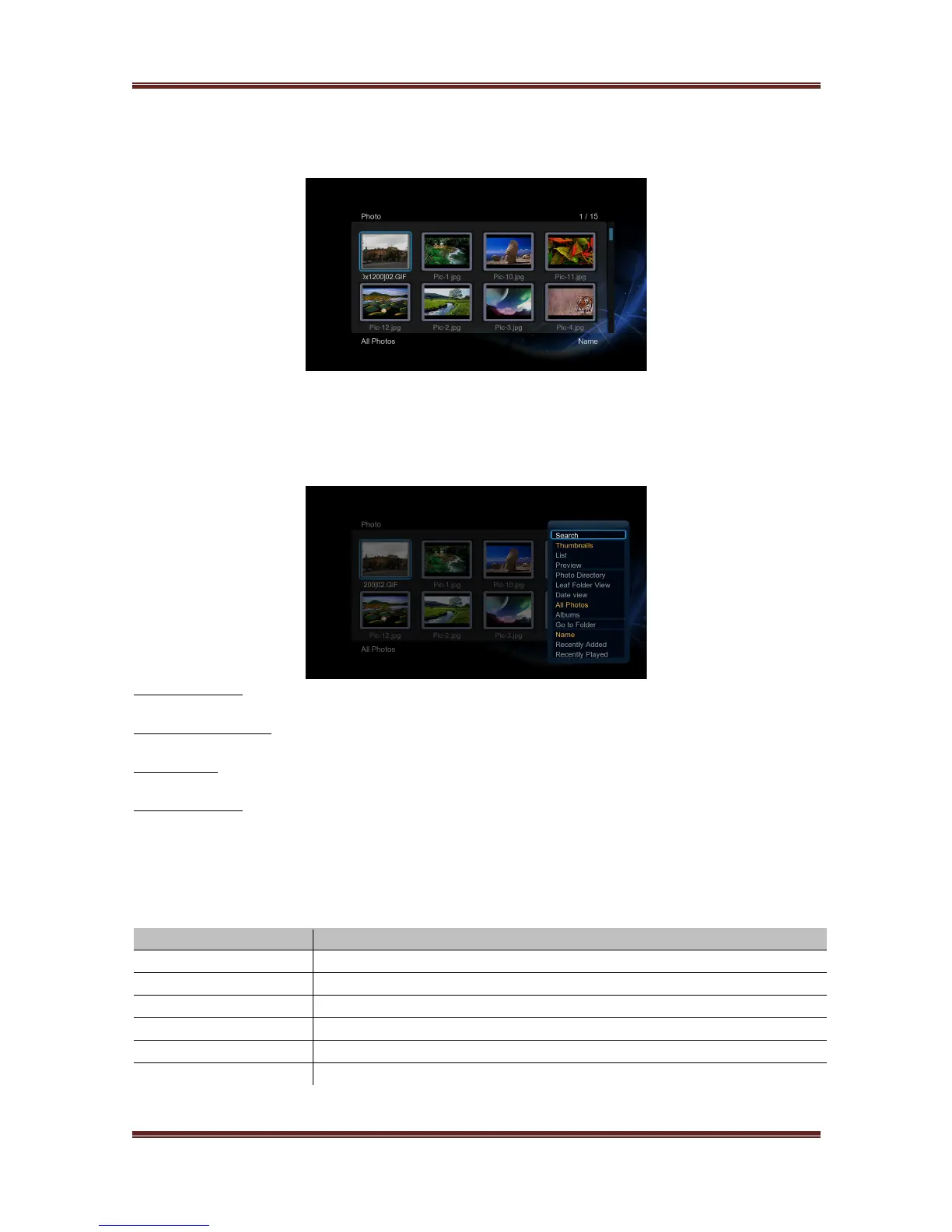
3.3 Photo Library
Enter into photo interface, only supported image files will be displayed. This player supports
JPEG/HD JPEG/BMP/GIF/TIF/PNG files.
3.3.1 Photo Library Options
In photo library, press Menu button to display the option menu, you can get following
functions through the option menu.
Review Mode
- Choose a review mode among Thumbnails, List, Preview from option menu.
Leaf Folder View
- Choose to show all folders that included photo.
Date View
- Choose to view photo by date.
Sorting Mode
- Choose sorting by Name, Recently Added or Recently Played from option menu.
3.3.2 Photo Playback Control
You can access the following functions during photo playback.



 To Next Page