iconBIT XDS8003D User Manual! English
34
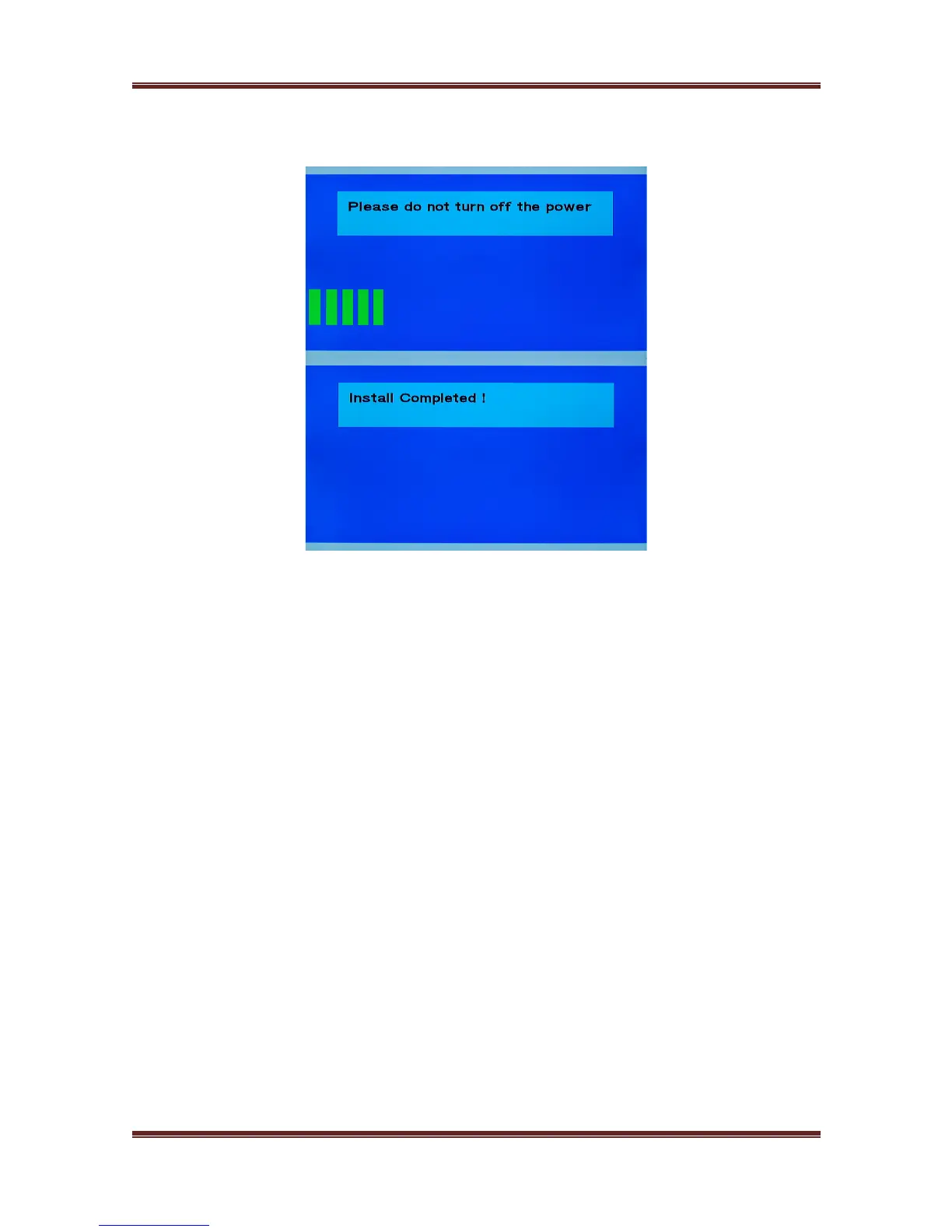
5) In 20 seconds, loose the needle, the player will install the upgrade firmware by itself.
During the installation, don't remove anything and keep power on.
6) Press Home button on the remote control, and go back the user interface.



 To Next Page