iconBIT XDS8003D User Manual! English
9
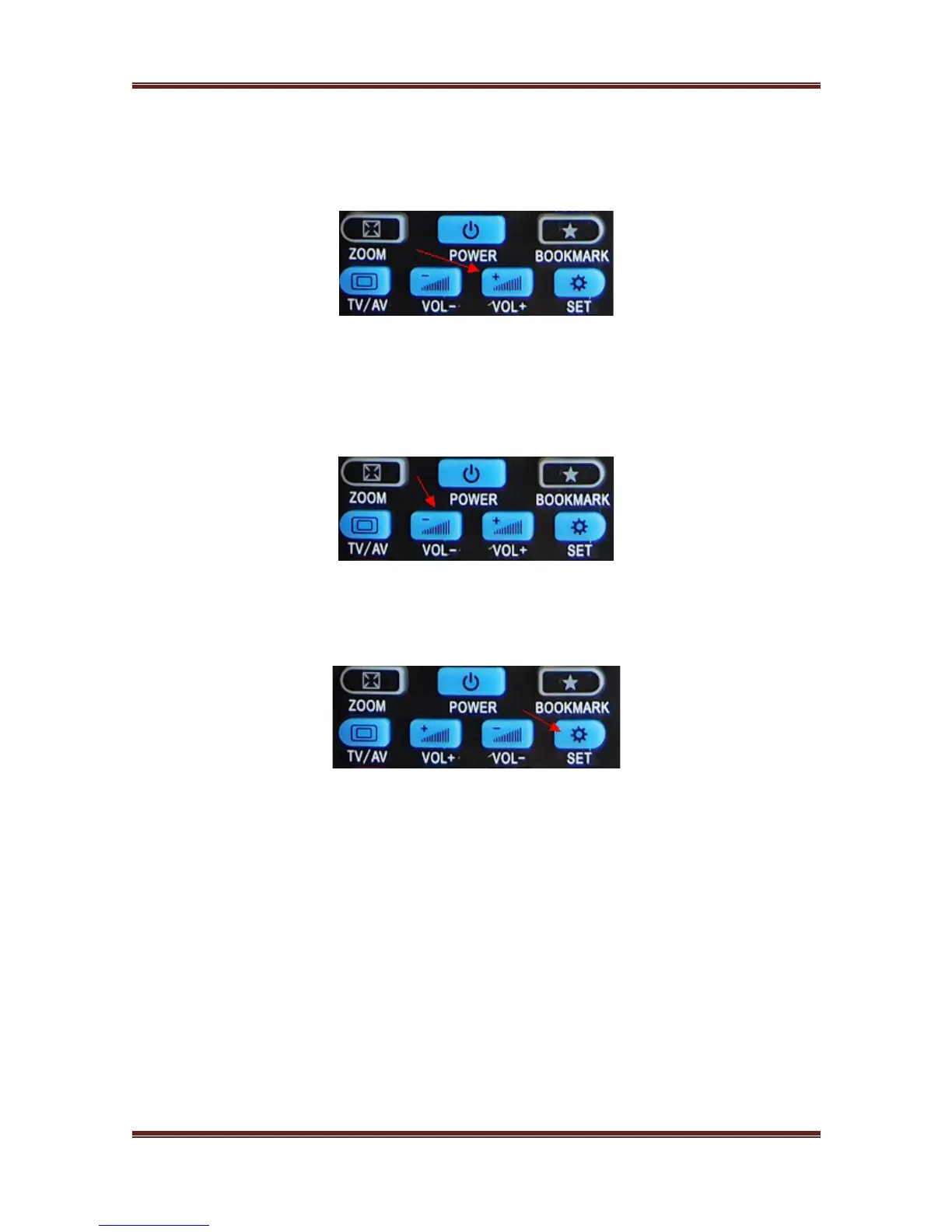
5. At the Code-reading status, please press "Vol+" button, the LED light flash by one time,
and then press TV remote control "Vol+" button, the Universal RC LED light will flash by
3 times. Then the "Vol+" button code is coped by the Universal R/C.
6. At the Code-reading status, please press "Vol-" button, the LED light flash by one time,
and then press TV remote control "Vol-" button, the Universal RC LED light will flash by
3 times. Then the "Vol-" button code is coped by the Universal R/C.
7. Last step is to press the button SET on the Universal RC is to save the setup for all
buttons code.
Note: For the special equipment RC code, this remote control cannot support and copy. And
for accurate and efficient code-reading, please make sure the RC Full battery charged.



 To Next Page