16
Code LCM Display Function Description Accessibility
101
Total In/Out
Check the Total Coin PayIn and PayOut
Value Counter
-Accessible without password
Default Definition
N/A Display current bookkeeping data.
LCM Descriptions
Press the Manual button.
Use A / C to scroll to EZ code 101.
Press F to enter.
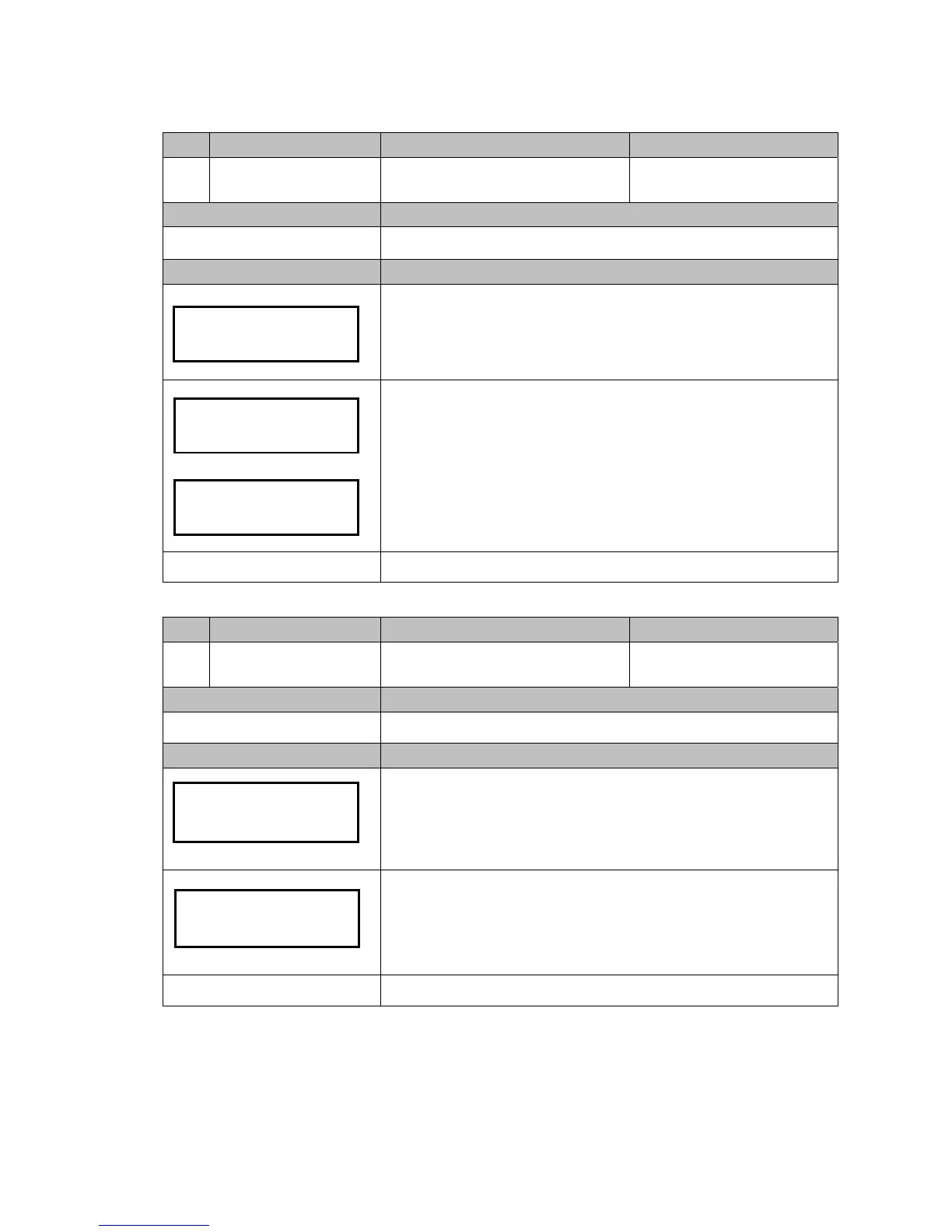
Use B / E to switch the data below:
-Pay in amount
-Pay out amount
-Difference ( IN>OUT display “+”, OUT>IN display “-”)
Press Manual to exit.
Manual to exit.
Code LCM Display Function Description Accessibility
115
Clear Tube Count
Clear Counting Memory of All Coin Tube
Inventory
-Accessible without password
Default Definition
N/A Clear tube inventory counter’s memory.
LCM Descriptions
Press the Manual button.
Use A / C to scroll to EZ code 115.
Press F to enter.
Press F to clear memory..
Caution!! Please empty the coin tubes before clear memory. Leave
coins inside tube cassette may cause operational problem to changer.
Manual to exit.
Total In/Out
101
PayIn : $0
PayOut: $0
Difference:
$0
Clear Tube Count
Clear Tube Count
Are You Sure?



 To Next Page