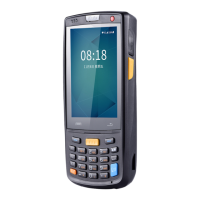
iData 70 User Manual
- 11 -
2.6.6 Shortcuts
You can add or delete shortcut icons on the home page of the iData 70.
On the home page, click the application tray icon, select and drag the icon to be added to
the home page. On the home page, click and hold a shortcut icon until the icon of dustbin
appears and drag the shortcut icon to the dustbin to delete the shortcut icon.


 To Next Page