iData 70 User Manual
- 6 -
2 Instructions on iData 70
2.1 Power-on and Power-off
After installing a SIM card and a battery and fully charging the iData 70, you can use the
iData 70.
1. To power on the iData 70, press and hold the On/Off key for some time. The
power-on page is displayed. After the guiding progress is complete, the iData 70 enters
the Android system. It takes some time to initialize the iData 70. Please wait patiently.
2. To power off the iData 70, press and hold the On/Off key for some time. After a dialog
box for powering off the iData 70 is displayed, click Power Off.
2.2 Locking and Unlocking the iData 70
Locking the iData 70
Press and hold the On/Off key for a short time to lock the iData 70. If you do not
perform any operation within the default and preset time to lock the iData 70, the iData 70 is
locked automatically.
Unlocking the iData 70
Press and hold the On/Off key for a short time and slide the unlock key on the screen
to the right to unlock the iData 70.
2.3 Keys of the iData 70
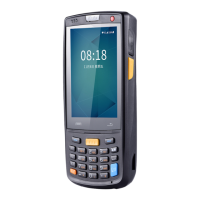
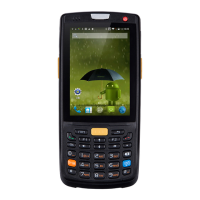
The iData 70 provides a physical keypad that has 28 keys, as shown in the following figure.
In terms of function, the keys are divided into numeric/letter/symbolic keys, direction keys,
and scan keys.
On the physical keypad of the iData 70, the left and right function keys and the yellow scan
key correspond respectively to the menu key, return key and scan key of the Android
system.
Menu key: Used to display the menu.
Return key: Used to return to the previous operation page.
Scan key: Used to scan data.


 To Next Page