★ Note
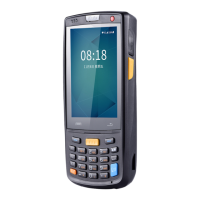
The applications of the iData 70 are often upgraded. Therefore, the status icons may be
different from those on the iData 70. The actual status icons prevail.
2.6 Basic Settings
2.6.1 Date and Time Setting
To change the date and time of the iData 70, do as follows:
Select Settings > Date & time and click Set Date or Set time.


 To Next Page