9
SETTING THE ROOM TEMPERATURE
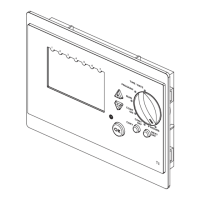
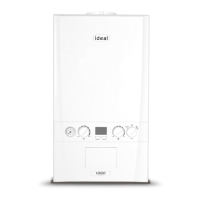
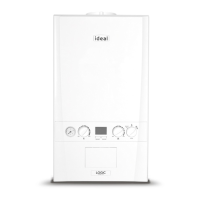
1. Turn the Control Knob to the “SET TEMPERATURE” position
2. Press the
and keys to change the Temperature and to enter
press the
key
3. Turn the Control Knob back to the required mode of operation:
“RUN”, “CONT ON” or “CONT OFF”
4. Turn the Control Knob to the required operating condition: RUN, CONT ON or
CONT OFF
Note. It is also possible to change the Room Temperature Set Point just by pressing
the
and keys (without turning the control knob). This is a temporary change,
which will be reset for the next programmed on period.




 To Next Page