IDEMIA DOCUMENT – REPRODUCTION AND DISCLOSURE PROHIBITED
Wiegand Communication (continued)
16
Step three : communications
Important
By default, the Wiegand output format is not enabled. Wiegand
output must be configured before connecting to the ACP.
Note
On installation, the system administrator will be prompted to
select either a pre-existing Wiegand frame format or create a
custom format, and upload it to the unit before the first use.
Data Clock
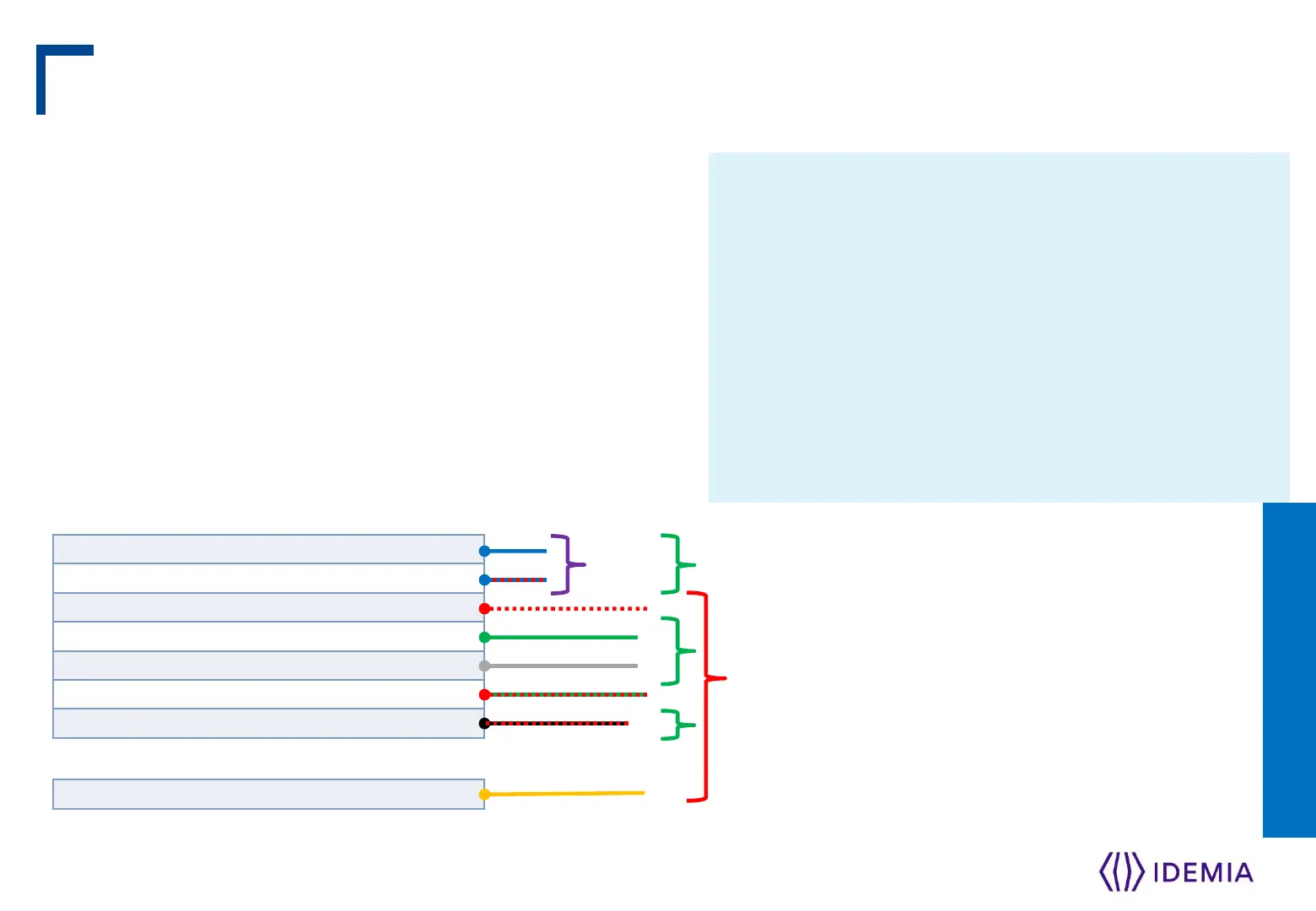
The Wiegand port also supports the Clock & Data protocol.
The wiring is described below.
Example Format Information
Type: Standard 26-bit
Alt Site Code and Fail Site Code Range: 0-255
Template ID Number Range: 1-65535
Extended ID Number Range: N/A
ID Start Bit: 9
Length of ID: 16
Site Code Start bit: 1
Length of Site Code: 8
Start Bit length : 0
IDEMIA - 2018_2000035854 – V1
25


 To Next Page