Change Settings
This item allows you to select an optimal setting for Super IO device.
Options: Auto (Default) / IO=378h; IRQ=7 / IO=378h; IRQ=5,6,7,9,10,11,12 / IO=278h;
IRQ=5,6,7,9,10,11,12 / IO=3BCh; IRQ=5,6,7,9,10,11,12
UART IRQ Mode
This item sets PCI IRQ Sharing for OS(EX. Windows) or ISA IRQ for Dos.
Options: PCI IRQ Sharing (Default) / ISA IRQ
Watch Dog Degree
This item allows you to determine the functional degree of Watch Dog.
Options: Second (Default) / Minute
Watch Dog Timer
Options: 0 for disabled (Default) / Min=1, Max=255
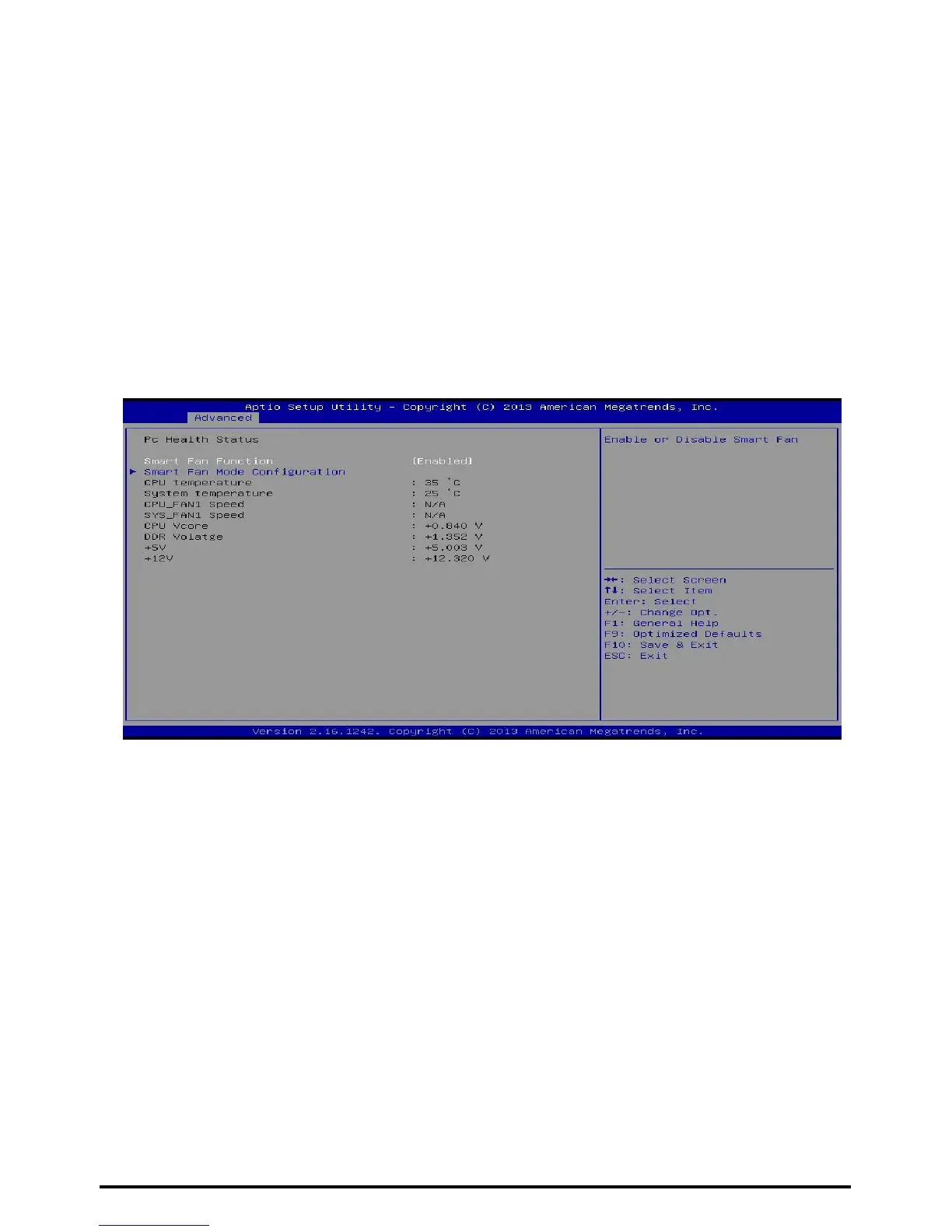
H/W Monitor
Smart Fan Function
This item allows you to control the CPU Smart Fan function.
Options: Enabled (Default)/ Disabled
28 | Chapter 3: BIOS Setup



 To Next Page