Serial-ATA (SATA)
This item enables/disables Serial ATA Device.
Options: Enabled (Default) / Disabled
SATA ODD Port
This item selects SATA ODD Port
Options: No ODD (Default) / Port0 ODD / Port1 ODD
SATA Mode
This item determines how SATA controller(s) operate.
Options: IDE (Default) / AHCI
Serial-ATA Port 1/2
This item enables/disables Serial ATA Port 1/2
Options: Enabled (Default) / Disabled
SMART Self Test
Run SMART Self Test on all HDDs during POST.
Options: Disabled (Default) / Enabled
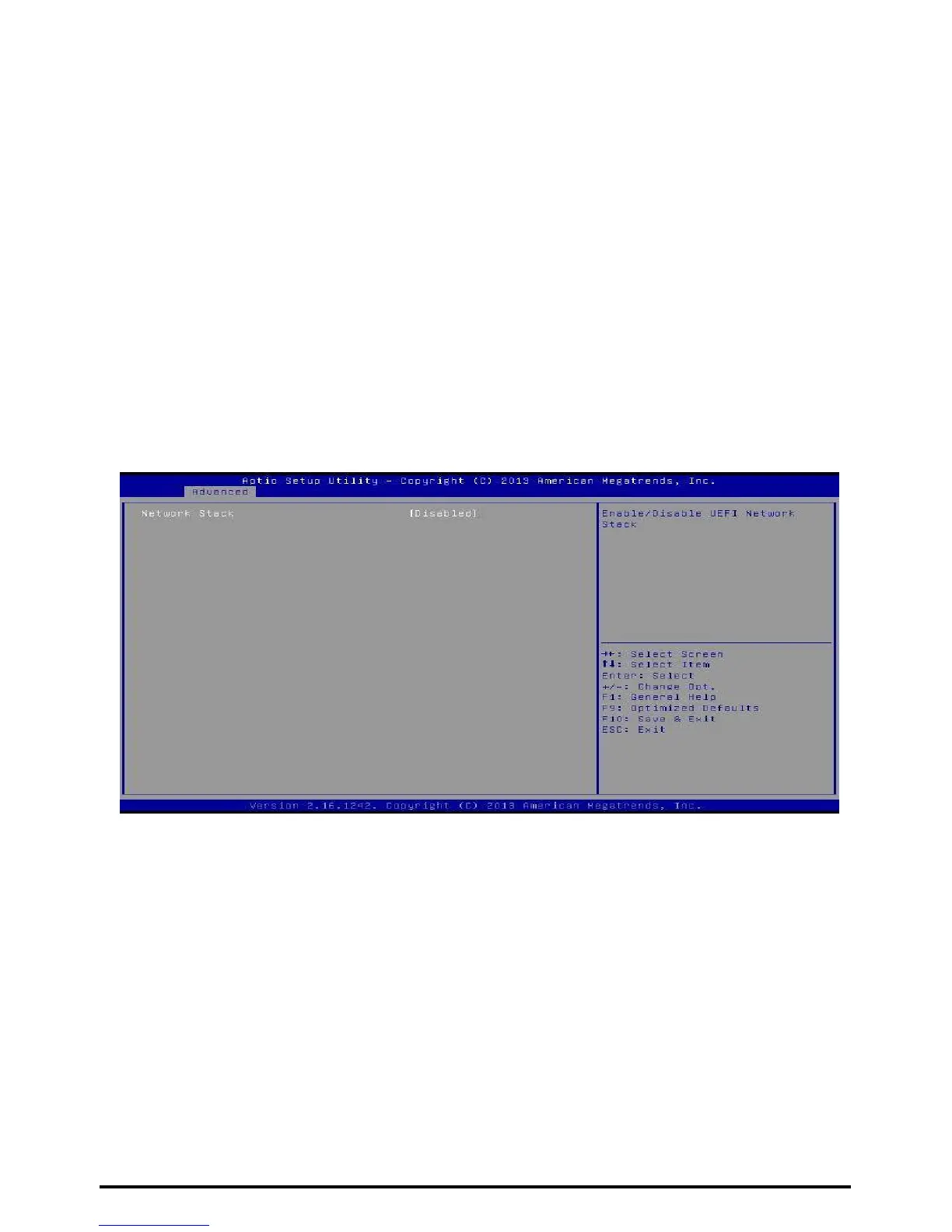
Network Stack
Network Stack
This item enables or disables UEFI network stack
Options: Disabled (Default) / Enabled
»»» Note: The following items appear only when you set the Network Stack to [Enabled]
IPv4 PXE Support
This item enables or disables IPv4 PXE Boot Support. If disabled IPv4 booth option will not
be created.
Options: Enabled (Default) / Disabled
IPv6 PXE Support
This item enables or disables IPv6 PXE Boot Support. If disabled IPv6 booth option will not
be created.
Options: Enabled (Default) / Disabled
PXE boot wait time
Wait time to press ESC key to abort the PXE boot.
32 | Chapter 3: BIOS Setup



 To Next Page