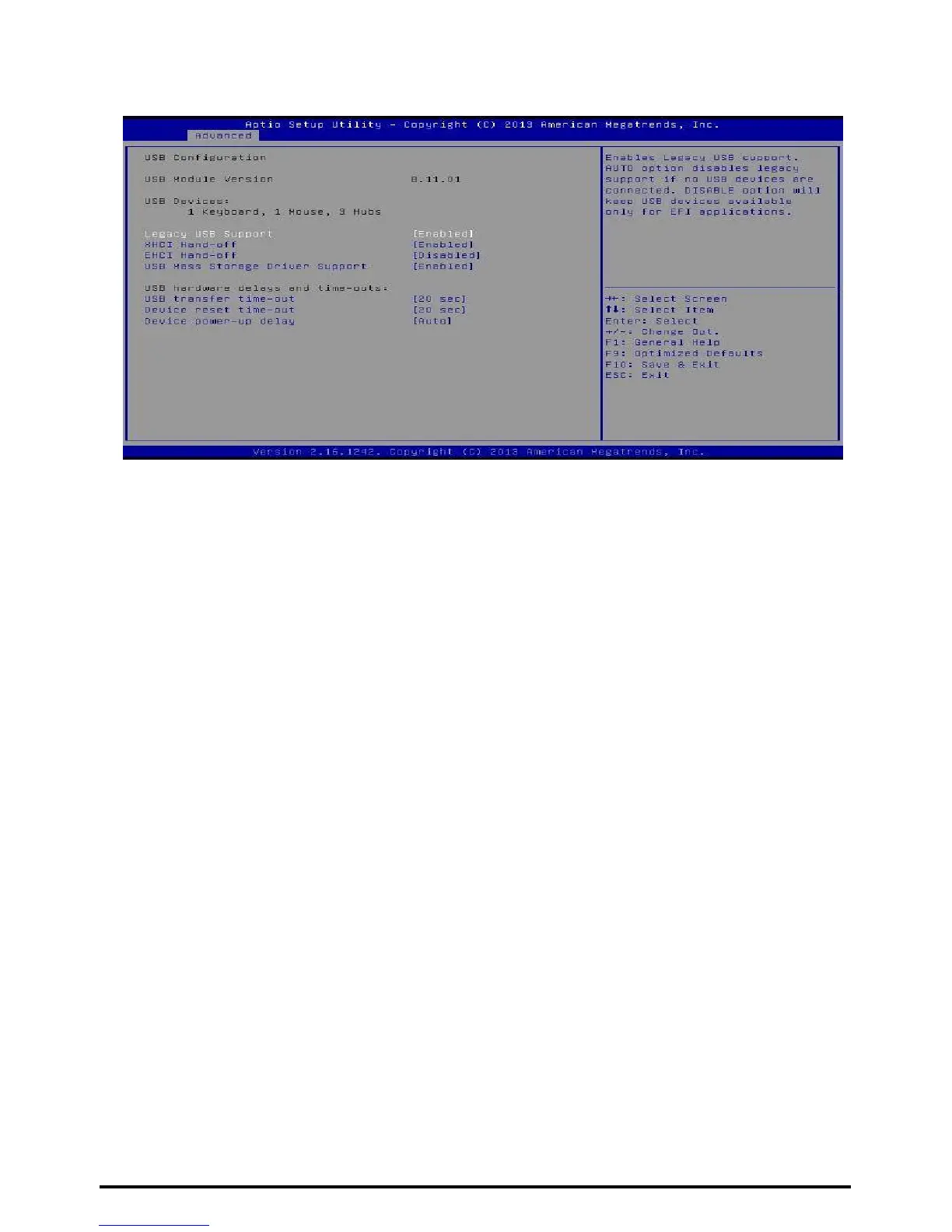
USB Configuration
Legacy USB Support
This item determines if the BIOS should provide legacy support for USB devices like the
keyboard, mouse, and USB drive. This is a useful feature when using such USB devices
with operating systems that do not natively support USB (e.g. Microsoft DOS or Windows
NT). Options: Enabled (Default) / Disabled / Auto
XHCI Hand-Off
This is a workaround for OSes without XHCI hand-off support. The XHCI ownership
change should be claimed by XHCI driver.
Options: Enabled (Default) / Disabled
EHCI Hand-Off
This is a workaround for OSes without EHCI hand-off support. The EHCI ownership
change should be claimed by EHCI driver.
Options: Disabled (Default) / Enabled
USB Mass Storage Driver Support
The item allows you to enable or disable USB Mass Storage Driver Support.
Options: Enabled (Default) / Disabled
USB transfer time-out
The time-out value for Control, Bulk, and Interrupt
transfers. Options: 20 sec (Default) / 1 sec / 5 sec / 10 sec
Device reset time-out
The item sets USB mass storage device Start Unit command time-
out. Options: 20 sec (Default) / 10 sec / 30 sec / 40 sec
Device power-up delay
“Auto” uses default value: for a Root port it is 100ms, for a Hub port the delay is taken
from Hub descriptor.
Options: Auto (Default) / Manual
Device power-up delay in seconds
Delay range is 1 ~ 40 seconds, in one second increments.
Options: 5 (Default)
34 | Chapter 3: BIOS Setup



 To Next Page