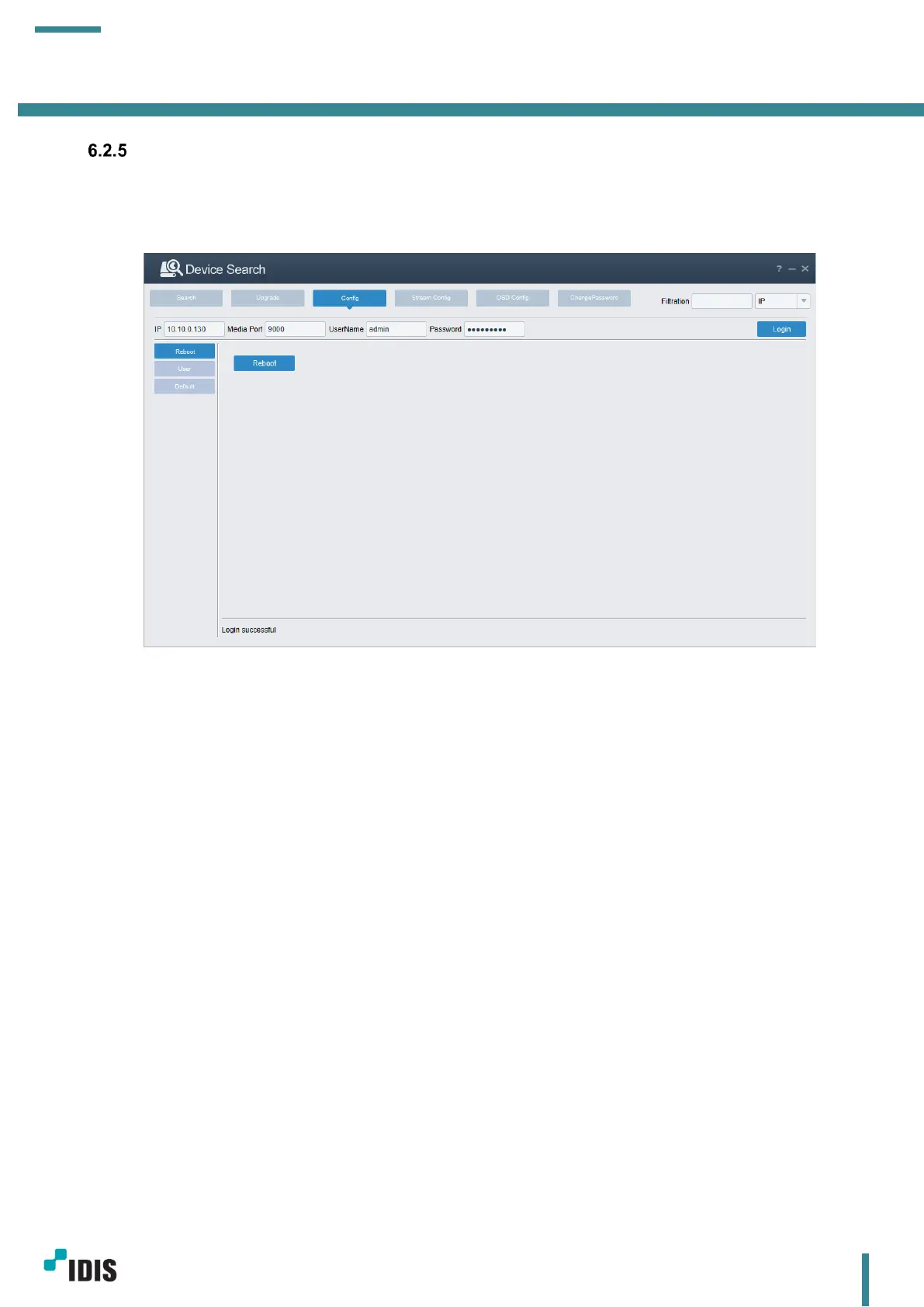
Config Tab
In this tab, device reboot, password change, and load default setting can be done.
a. Device reboot
First, input camera information click login, if the information is correct, Login successful message will
be displayed on the bottom.
Click Reboot to reboot a camera.
b. Password change
Click User tab from the left menu.
Input password and click Set



 To Next Page