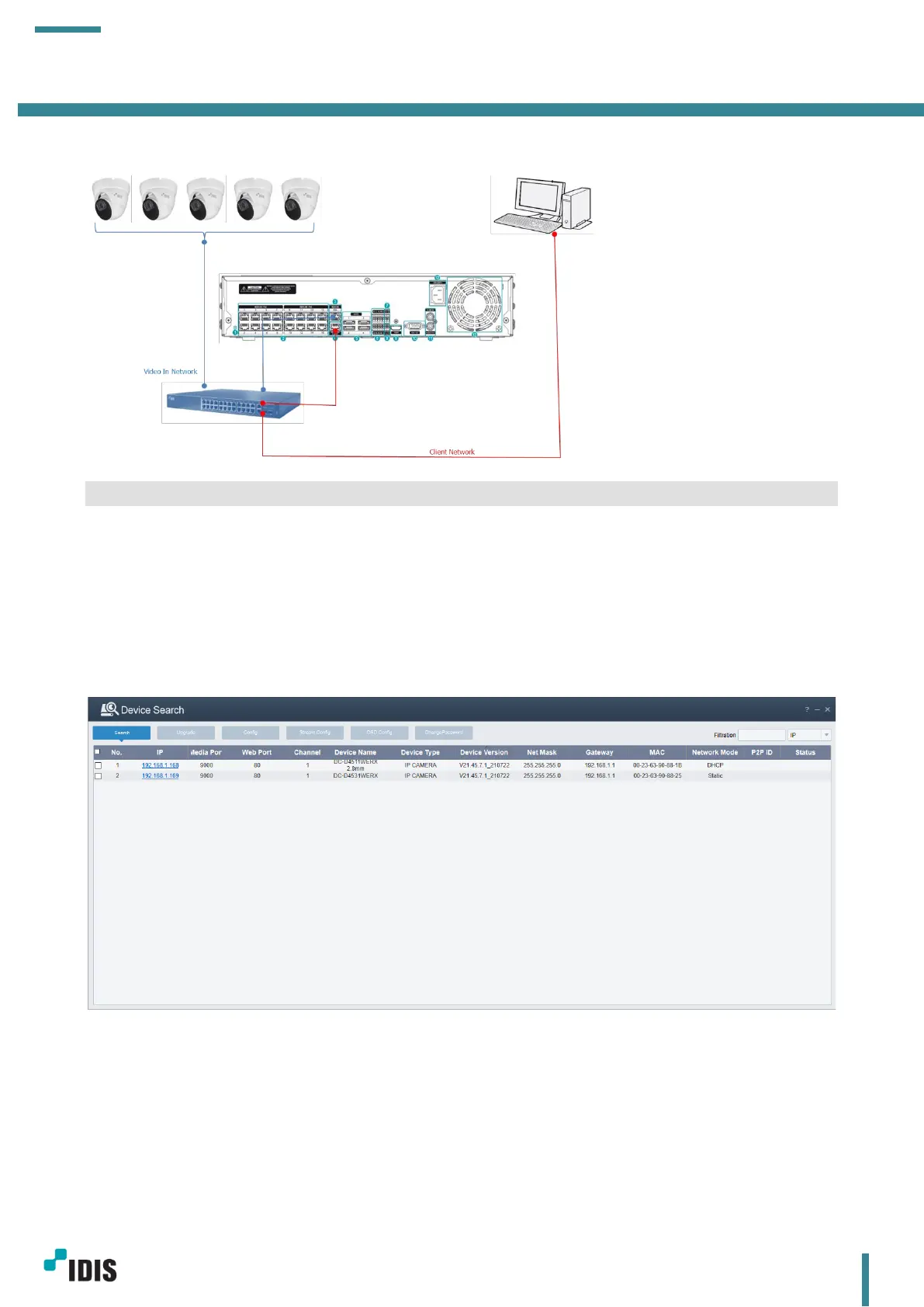
c. Camera – NVR connection (PoE switch)
3 Camera Basic Web Setup
In this chapter, basic camera web setup for IDIS Products will be explained.
Device Config Tool must be installed prior to this task. (Go to section 6.2 for more details about Device
Config Tool.
3.1 Camera Password Setup
Password needs to be set up to access the camera webpage and register a camera to NVR.
From Device Config Tool, click highlighted camera IP to access the camera webpage.
When accessing the webpage for the first time, a password setup is required. Password must be set for
further configuration.



 To Next Page