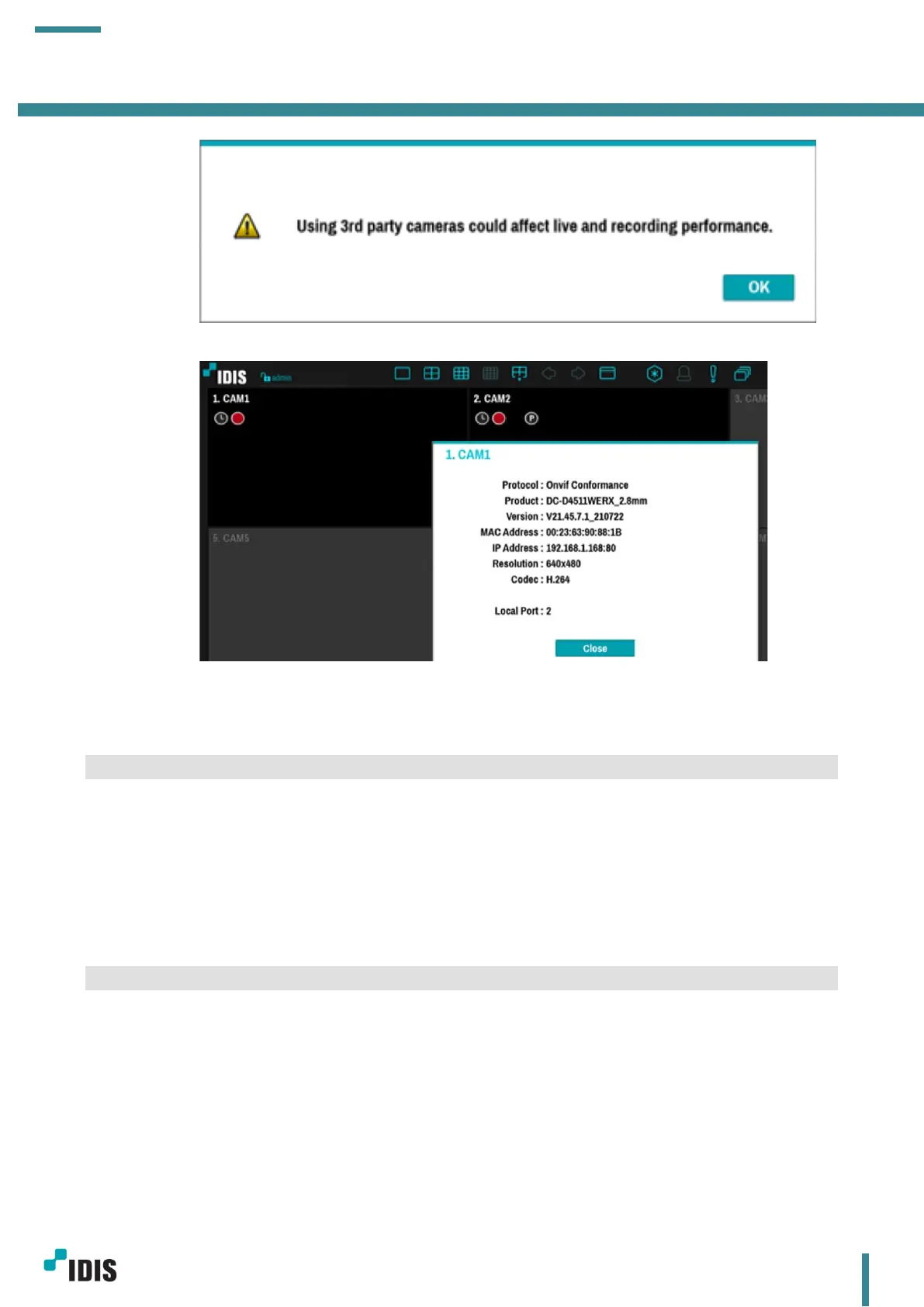
e. Cameras are successfully registered (Video image is off in this manual).
5 Limitations
IDIS DC-D4511WERX and DC-D4531WERX have a couple of limitations as follows.
1. Camera needs to be registered via Onvif protocol.
2. Camera stream settings are not displayed on NVR – Camera – Stream menu. (It is displayed well in
the NVR live pane)
3. Camera audio recording is not supported on IDIS devices.
6 Appendix
6.1 Device Reset
There are 2 ways to reset the camera. The first is using reset button and the second is using Device Config
Tool.
a. Device reset by a reset switch



 To Next Page