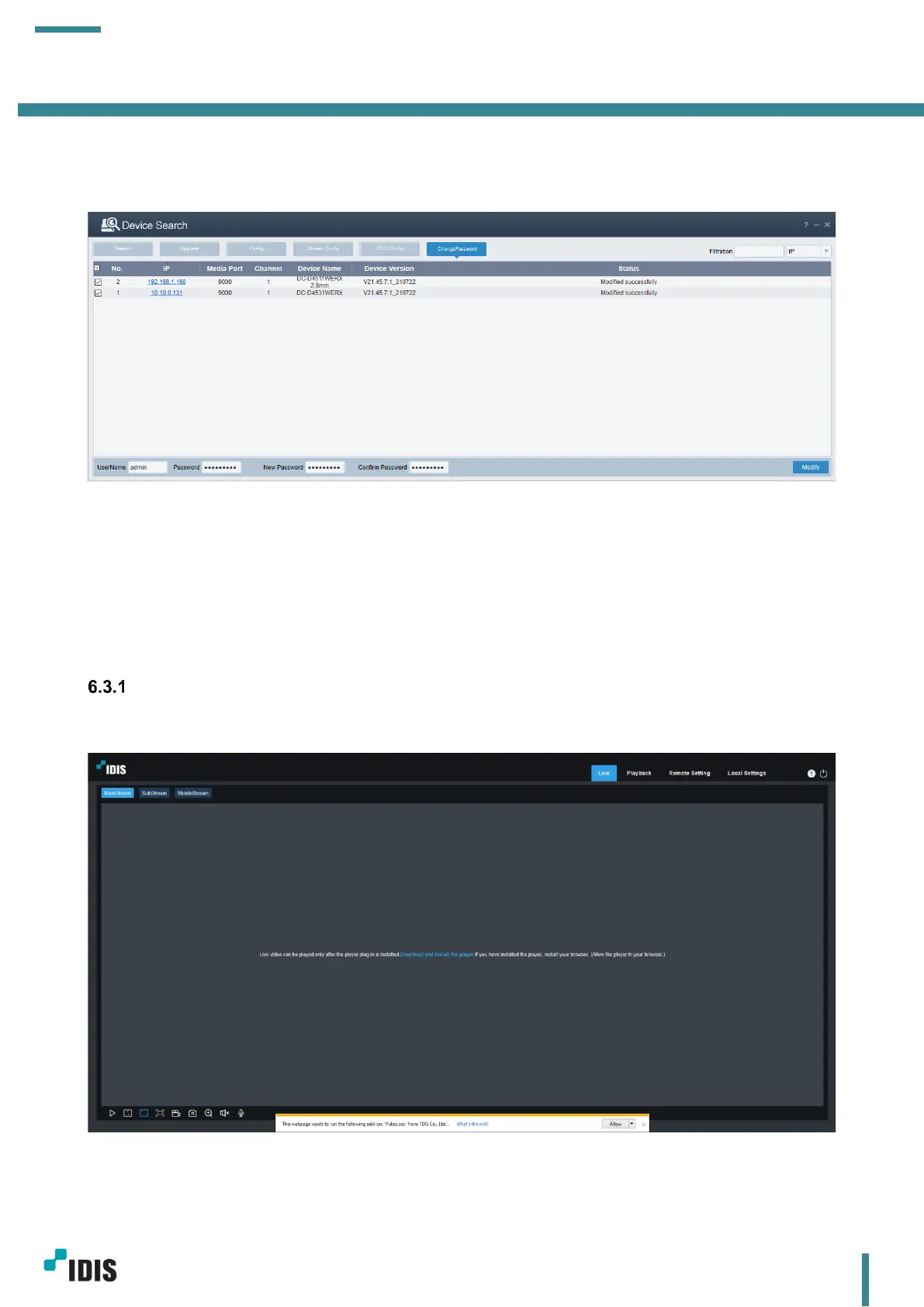
a. Select target cameras.
b. Enter the current password and new password and click Modify.
Modified successfully message will be displayed when it is done successfully.
6.3 Camera Webpage
Most camera settings need to be done on camera webpage. Details about camera settings will be explained
in this chapter.
Currently, only Internet Explorer is supported for camera Live monitoring on the web.
Live Tab
After login, live video screen will show up.



 To Next Page