Part 3 - Search
73
1
2
3
4
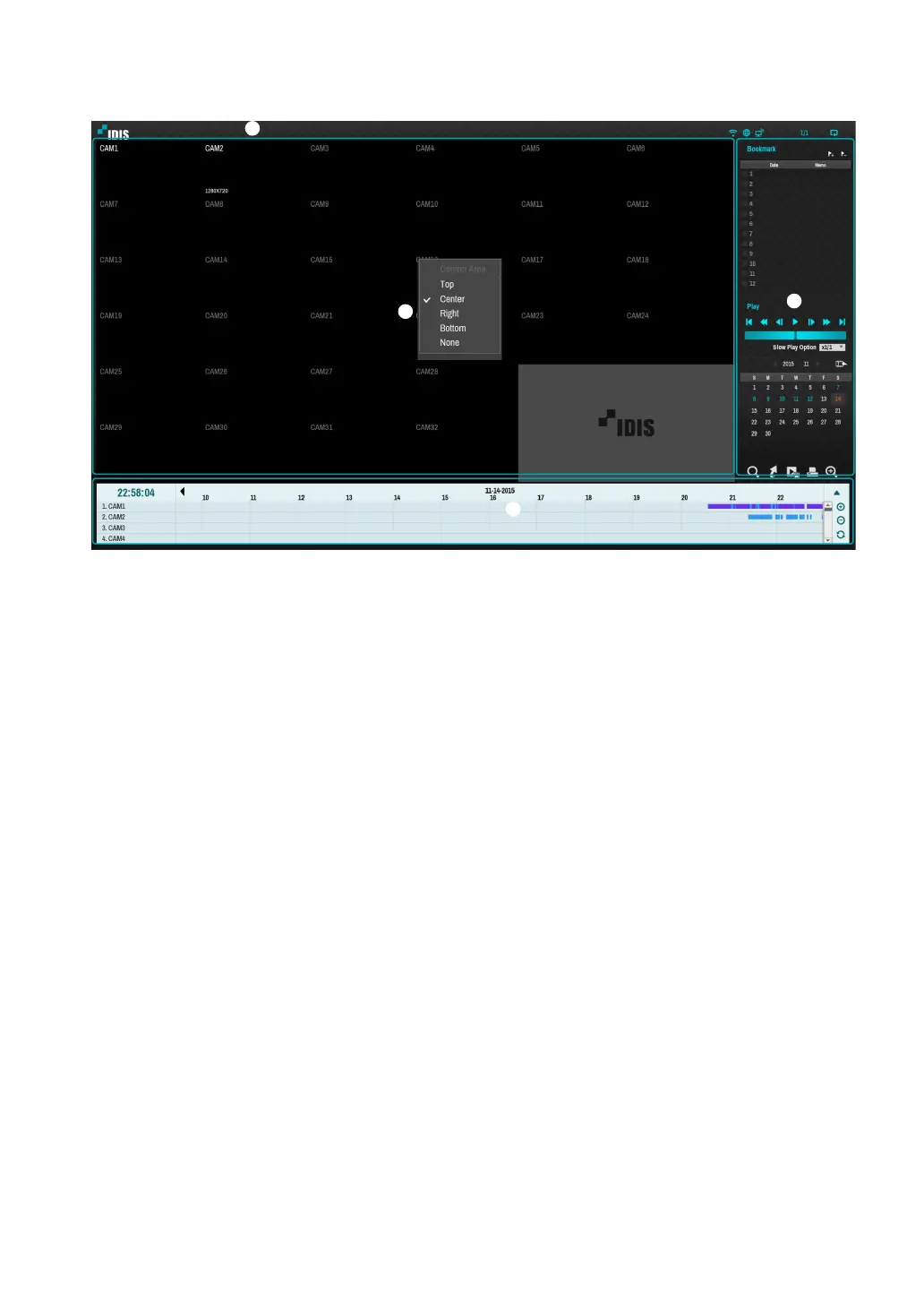
The Control Area consists of Top, Center, Right, Bottom, and None.
1 Top: Activates top Search menu. Use the arrow buttons to select an option.
2 Center: Activates the middle screen section. Use the arrow buttons to select a camera.
3 Right: Activates the control buttons on the right. Use the arrow buttons to select Bookmark, Play, Calendar
Search, and other control buttons.
4 Bottom: Activates the bottom record table. Use the arrow buttons to select a record table.
5 None: Activates the arrow and playback buttons as a recording function.



 To Next Page