Part 3 - Search
74
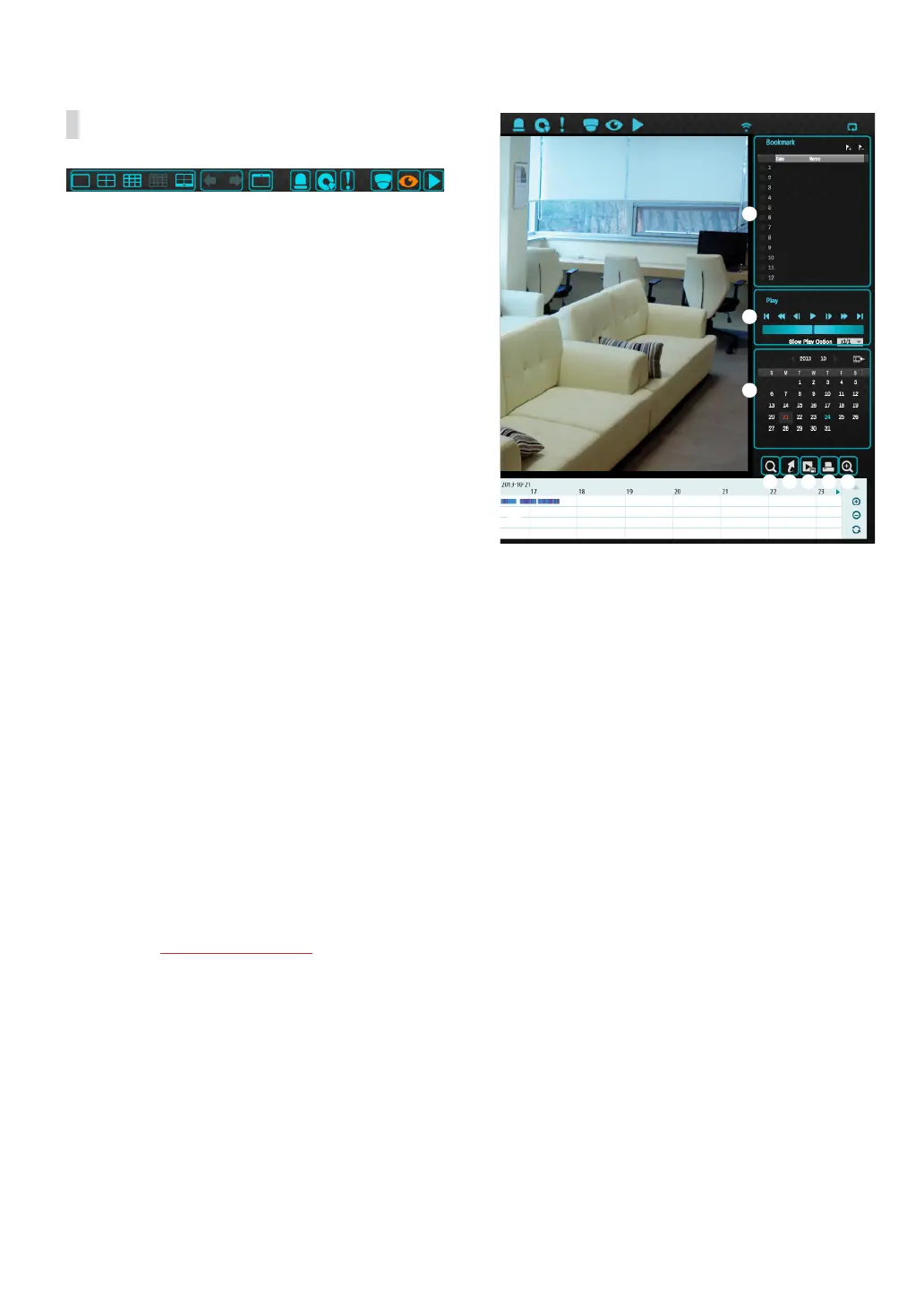
Search Menu
1 2 3 4 5 6 7
8
9
1 Layout
Used to change the screen layout to single screen,
corridor format, 2x2,1+5, 1+7, 3x3, 4x4, 5x5, or 6x6.
2 Previous/Next Group
Loads the previous/next screen group.
3 Display
● OSD On/O: Enables/disables the OSD feature.
● Original Ratio On/O: Setting On displays video
on the camera screen in its original ratio.
4 Alarm
Pressing this button while the alarm has been
activated resets all NVR alarm outputs, including the
built-in buzzer.
5 Database
● Record: Search recording data contained in the
main recording device.
● Other: Search data recorded while disks used in
other systems were connected.
6 Panic Record
Use the Panic Record feature.
7 Camera
Select a camera channel and display it as a single
screen.
8 Live Mode
Activates Live mode.
9 Search Mode
Search by changing Time-Lapse Search and Event
Log Search and Thumbnail search
.
1
2
3
4 5 6 7 8
9



 To Next Page