Part 3 - Search
76
which is not shown can be checked in the minimum size
of Time-Lapse search window.
Select
(zoom-in) to compose recording data
in 1-minute segments and select
(zoom-out)
to compose recording data in 3-minute segments.
Selecting zoom-out displays more time in one screen
than zoom-in screen.
If recording from points in time prior or after the time
frame displayed on the screen is available, scrolls appear
on both ends of the date and time information line.
Scroll using the arrow buttons on the remote control or
by dragging with the mouse to check recording data.
Display the latest update recording information when
selecting
(Refresh).
Recording Data Bar Colors
Blue Time Lapse Recording
Purple Event Recording
Yellow Pre-Event Recording
Red Panic Recording
Green
Faulty recording due to a
temporary disruption in device
connection.
Context Menu
Select the Menu button or right-click on the Camera
screen to access the context menu.
● Zoom: Zoom in.
● Audio: Enable/disable audio. Audio playback of the
selected camera is available in full screen mode only.
● Show/Hide Text-In: Show/hide text-in information
contained in the recording.
● Edit Group: Rearrange the split screen layout.
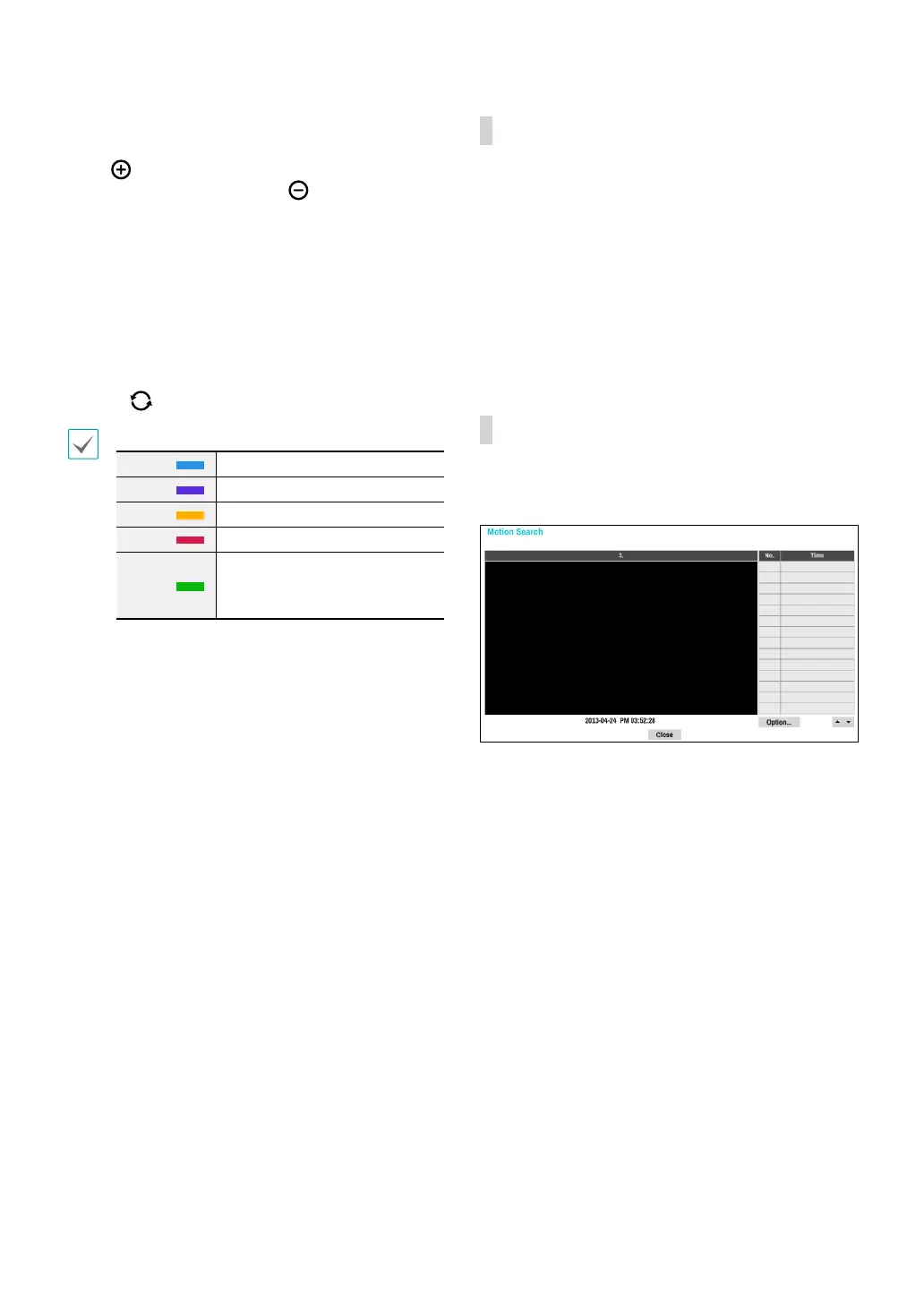
Motion Search
Select Motion Search from the Search menu to bring
up the Motion Search Setup window.
Motion Search cannot be performed while using a split
screen layout. Select Single Screen mode.
Select Option... to congure Motion Search options.



 To Next Page