ID TECH SREDKey 2 Integration Manual
Page | 18
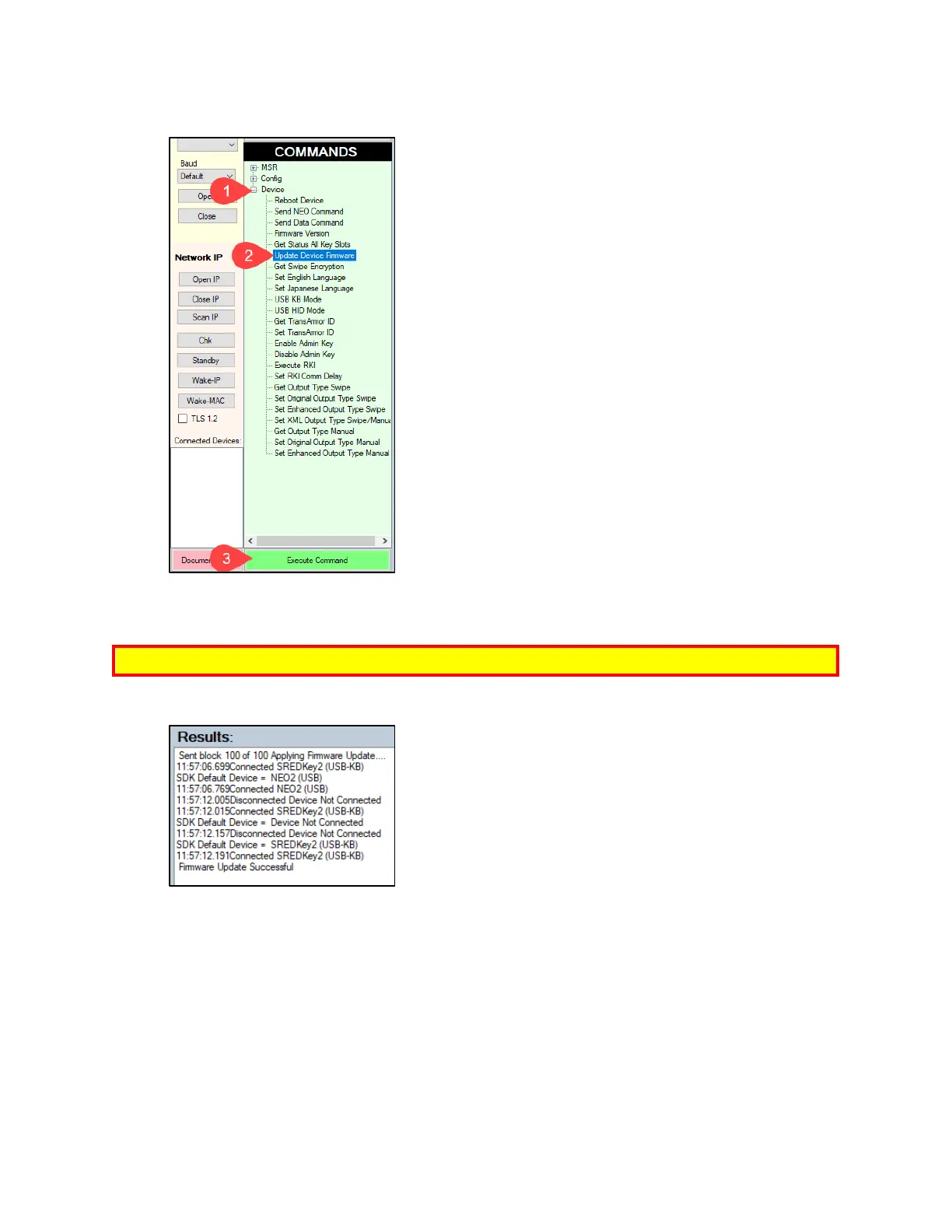
4. Under Device, select Update Device Firmware, then click Execute Command.
5. Navigate to and select the SREDKey 2 firmware file you downloaded earlier and click Open.
6. The SREDKey 2 reboots and enters the bootloader, at which point the SDK demo begins
updating the device.
Note: The firmware update may take several minutes to complete
7. When the firmware update completes, the SREDKey 2 reboots again and the USDK Demo app
prints Firmware Update Successful in the Results panel.



 To Next Page