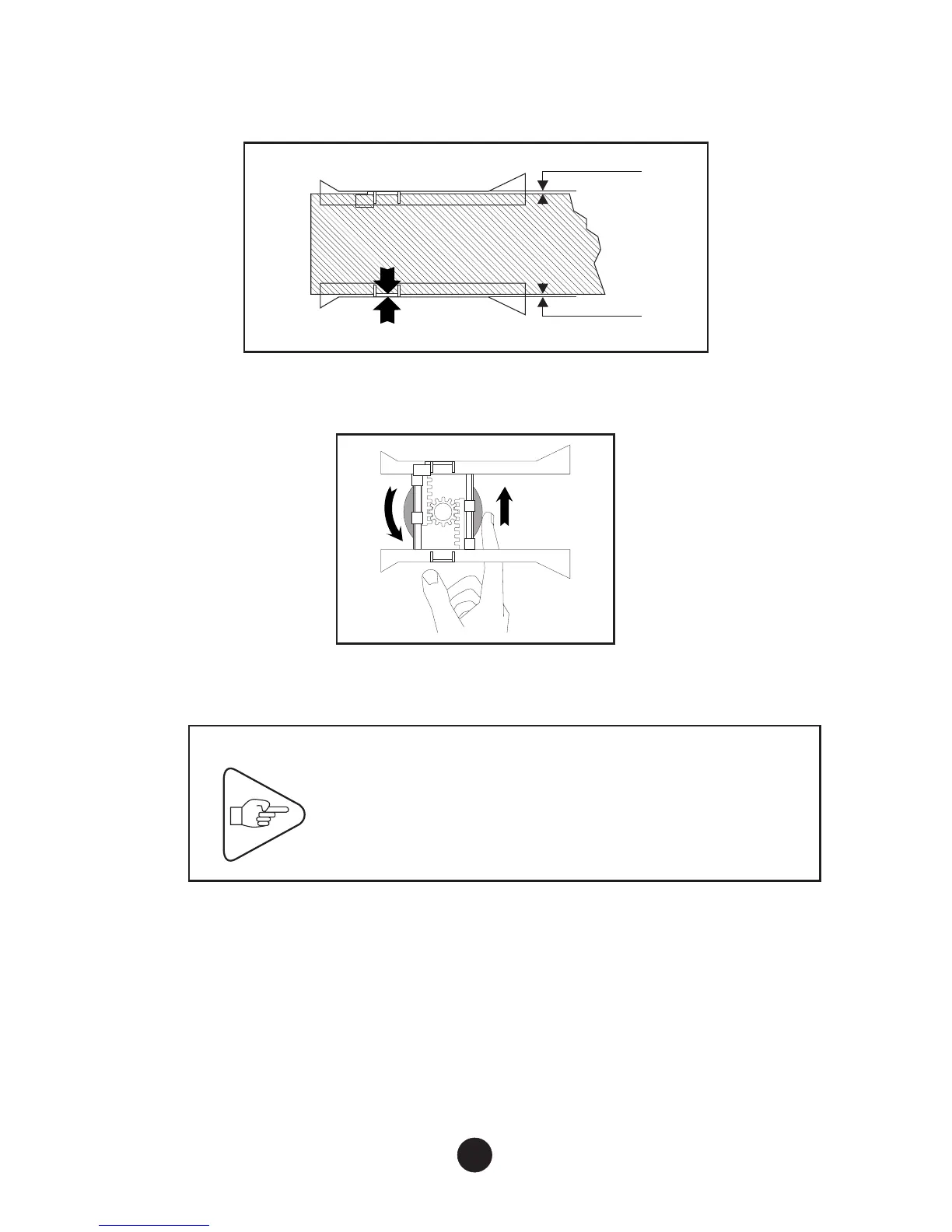
d) Carefully set the width of the paper path for accurate paper feed
while leaving sufficient play (“J”, see Figure below) :
e) Tighten (lock) the paper path locking wheel.
f) Close the right-hand cover.
IMPORTANT
To avoid an immediate paper jam, check that
the document runs freely along the full length
of the paper path.
11
(J)
(J)



 To Next Page