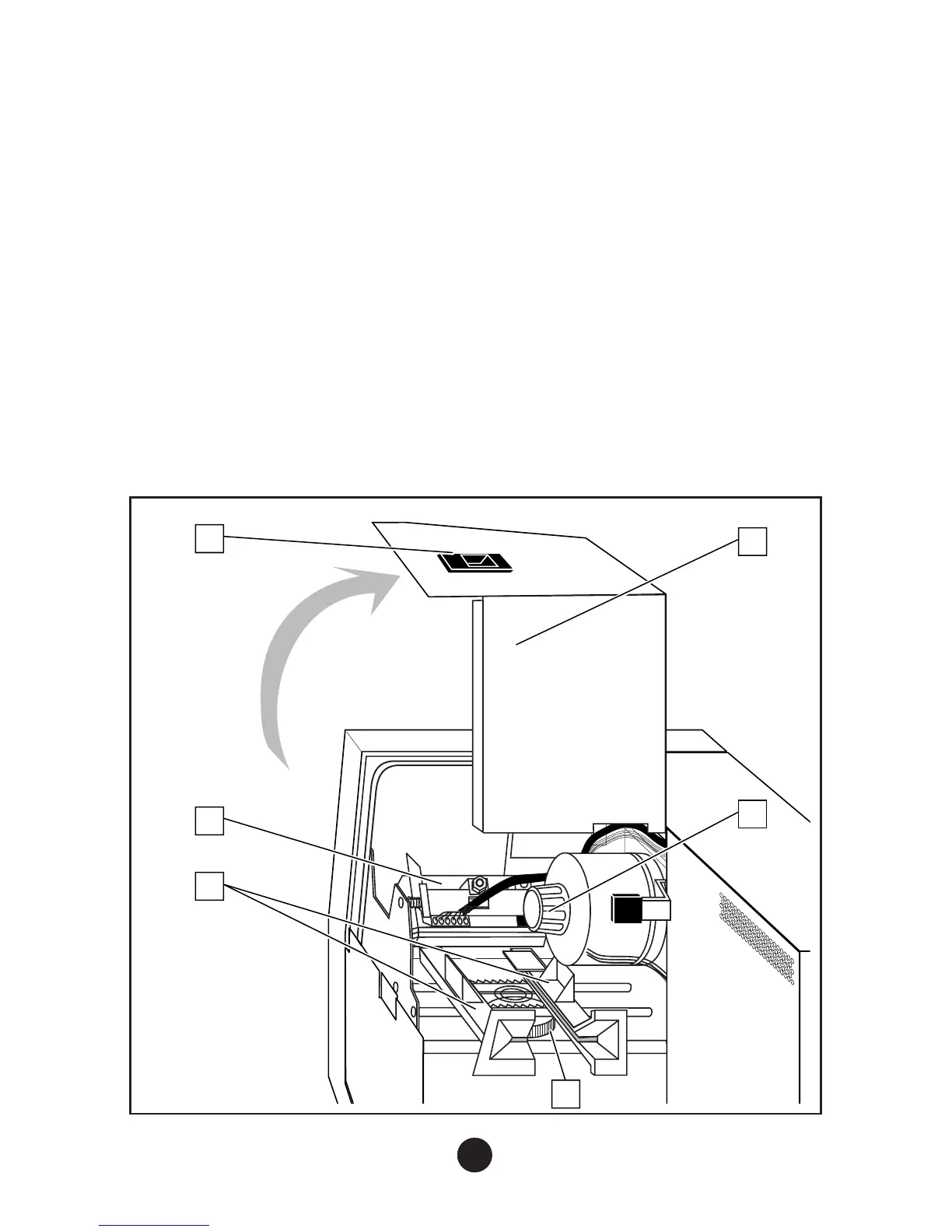
4) Inside View
To open the right-hand cover (6):
a) Push the latch (1) upwards.
b) Lift the right-hand cover (6) up onto the top of the printer.
Opening the cover gives access to the following parts:
•
thermal printhead on a retractable mounting (2)
•
two paper guides (3) forming the printer’s adjustable paper path
•
paper path locking wheel (4)
•
paper jam clearing knob (5)
8
6
2
5
4
3
1



 To Next Page