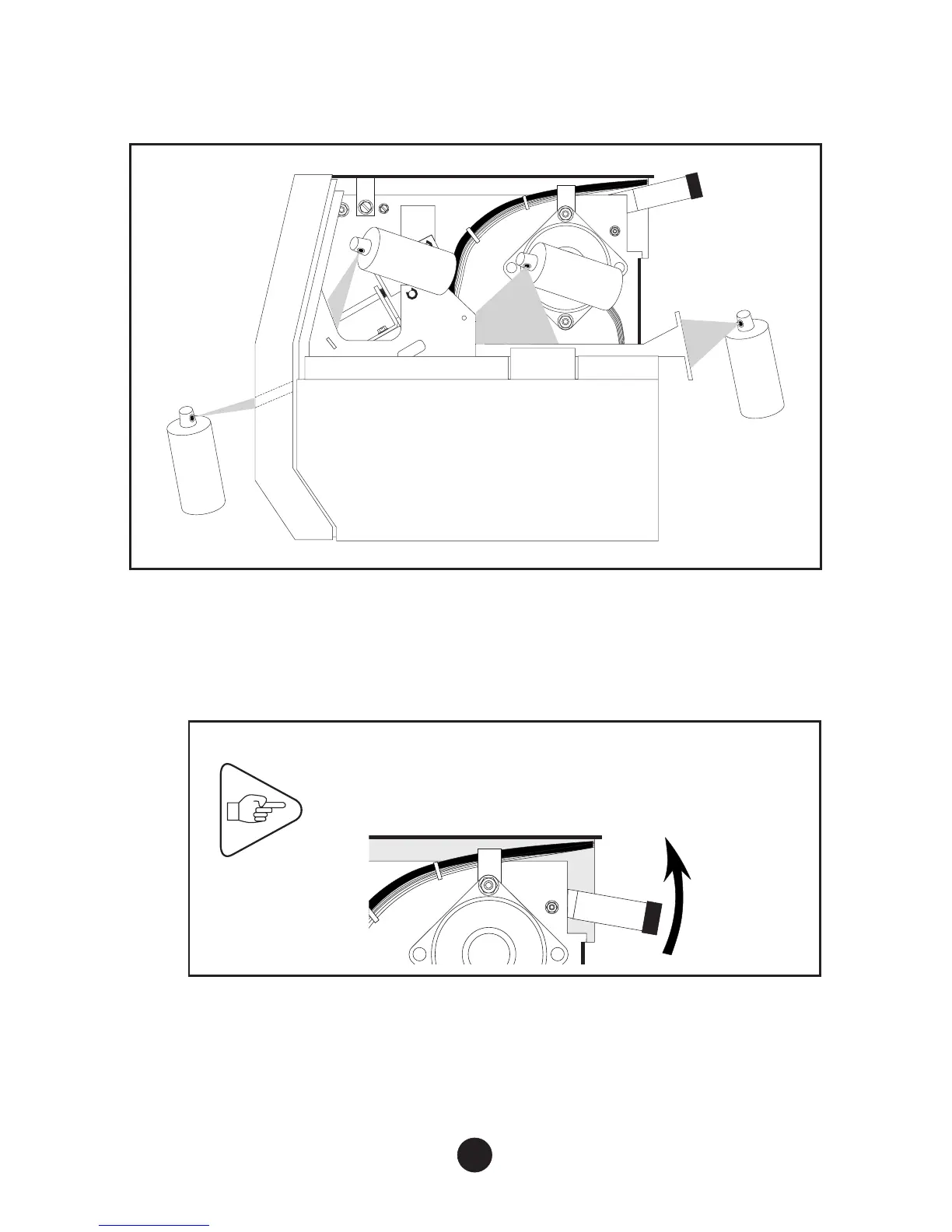
d) Use the dust remover can to remove dust from the interior of the
printer (see Figure below: paper path, mechanical subassembly,
sensors).
2) Cleaning the Printing Module
a) To set printhead to “cleaning” position, perform the following
steps:
IMPORTANT
To place the printhead in the “cleaning”
position, first lift the printhead lever. Take care
not to hit or knock the printhead.
23



 To Next Page