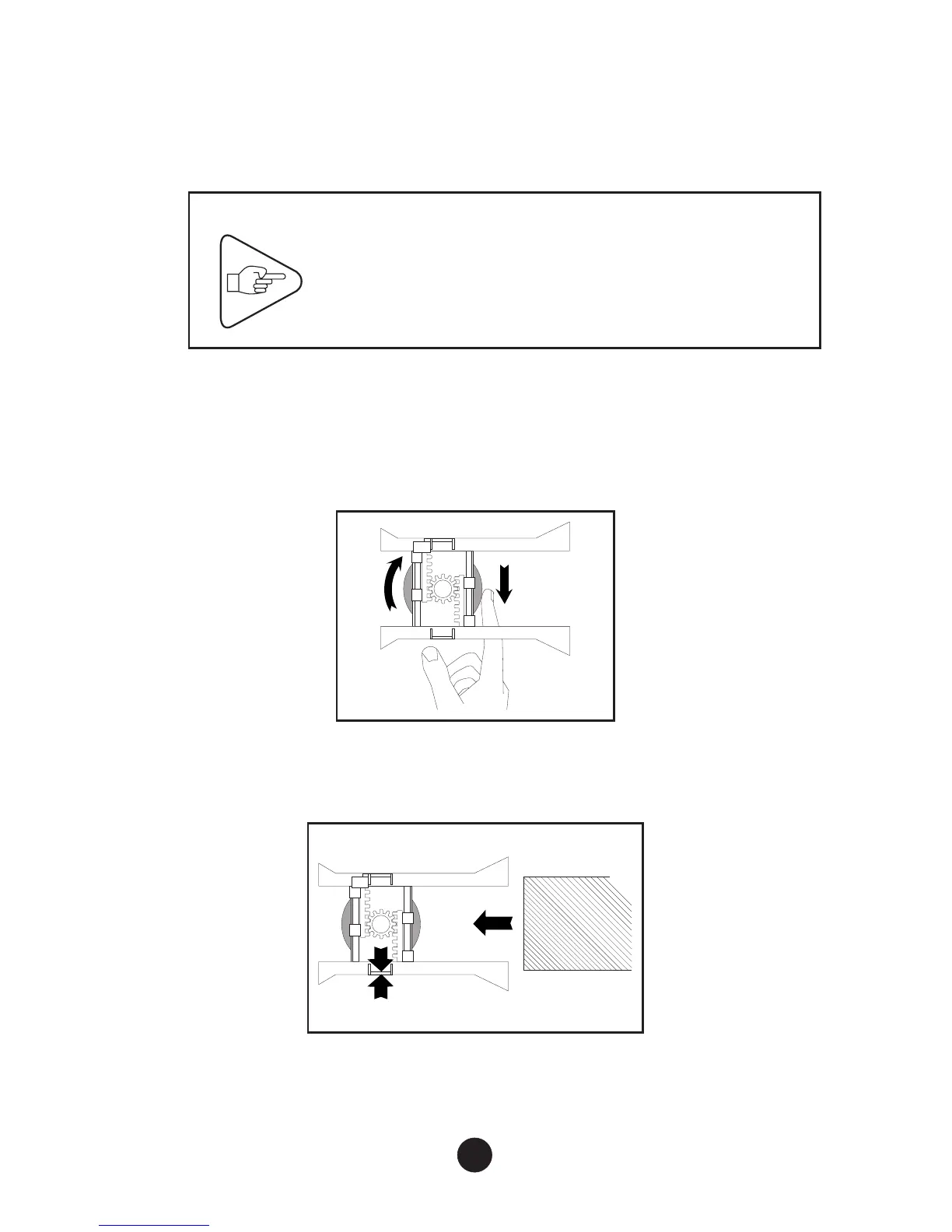
3) Adjusting the Paper Path
Before switching on for the first time, or when changing document
widths, the paper path must be adjusted.
IMPORTANT
Loosen the paper path locking wheel before
adjusting the paper path.
a) Open the right-hand cover (see Page 8).
b) Locate the locking wheel underneath the paper guides. Loosen
(unlock) the wheel using the right hand index finger:
c) Adjust the guides to allow insertion of the documents to be used.
Insert the document fully into the paper path:
10



 To Next Page