C INSTALLATION
1) Installing the Printer
a) Remove the printer from its packaging.
b) Place on a stable surface.
2) Connecting the Printer
CAUTION
To connect the printer to the host computer
system, you must use a shielded cable fitted
with metal covered connectors. The cable
ground must be connected to the connector
covers.
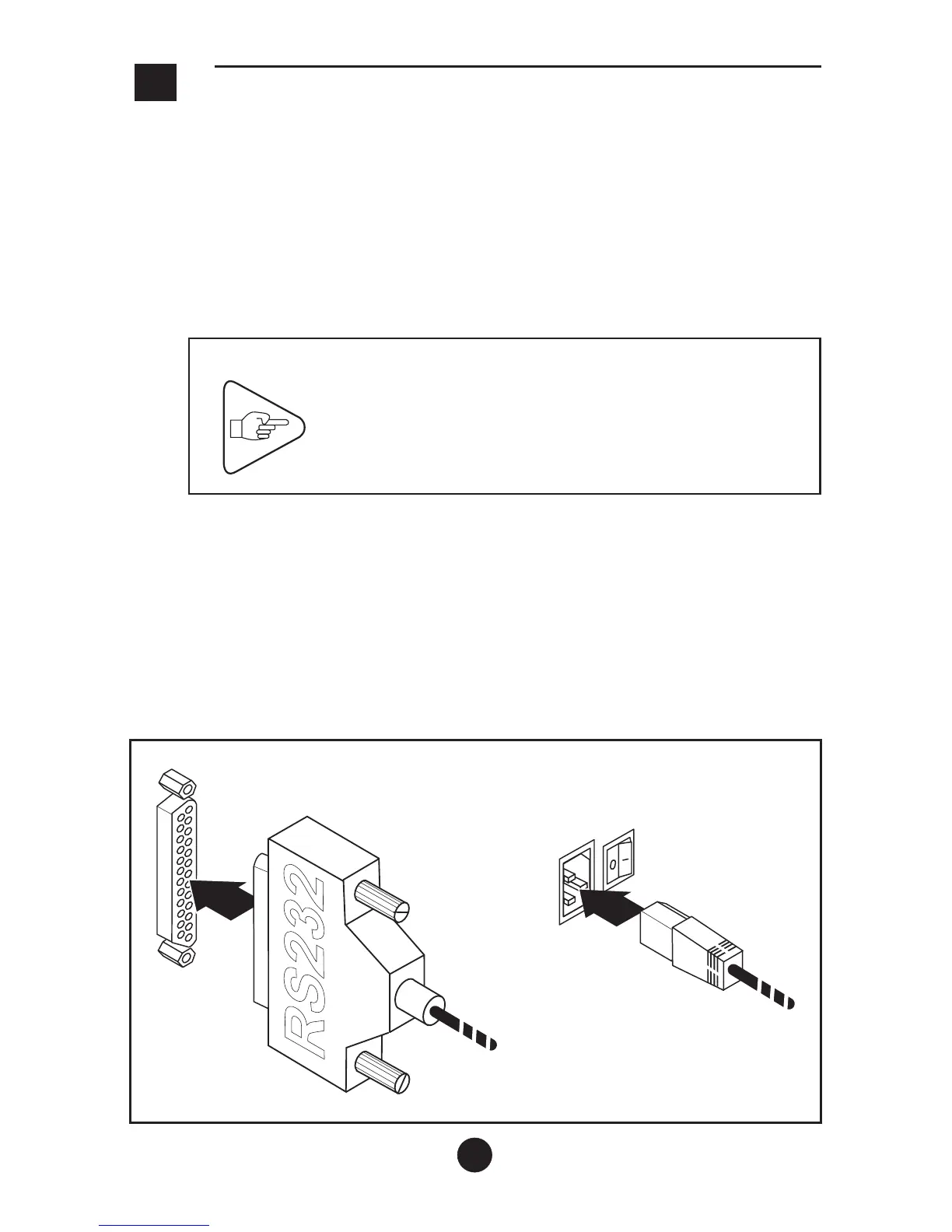
a) Make sure that the printer is switched off.
b) Connect the data transmission cable and the power supply cord
to the corresponding connectors on the printer.
c) Connect the power supply cord to the line power. The IER 512C
power supply adapts automatically to the line voltage
supplied.
9



 To Next Page