•
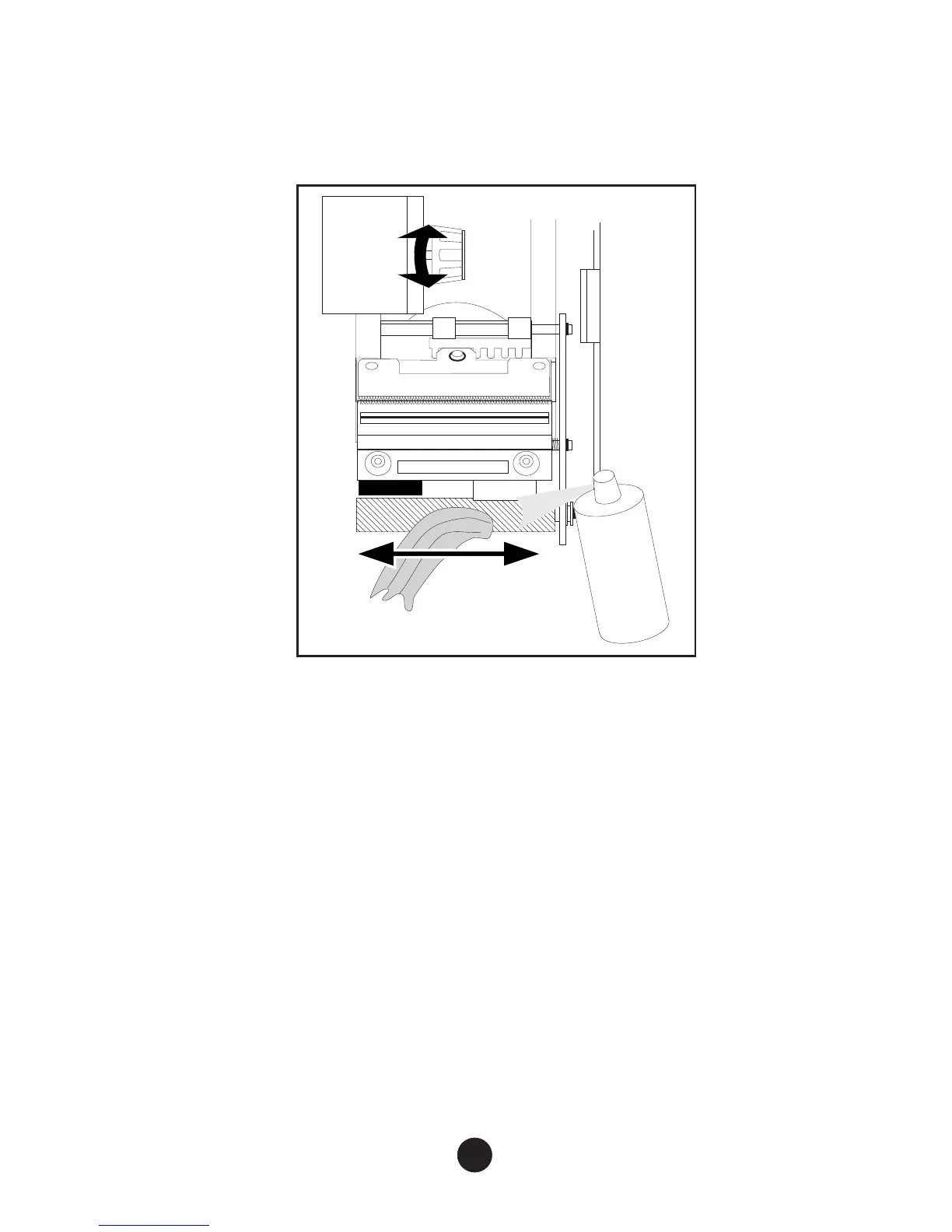
Spray cleaning product (supplied in the Cleaning Kit) onto
a soft cloth and carefully wipe the platen. Turn the paper jam
knob to get access to the entire surface.
•
Dry the platen using air from the dust remover can.
c) Returning the printhead to “operating” position:
•
Rotate the printhead in the opposite direction until it locks
into the “operating” position.
•
Close the right-hand cover.
3) Final Check
After periodic maintenance operations, switch on the printer, reload
the document stock and print a test document (see Page 20) to
check that the printer is operating correctly.
25



 To Next Page