5) Self Test Mode
Selecting Self Test mode
a) Switch power switch to “I” to switch on the IER 512C Printer.
b) Press “on/off Line” to switch to Off Line mode.
c) Check that the “On/Off” indicator is off and the display reads:
IER 512
OFF LINE
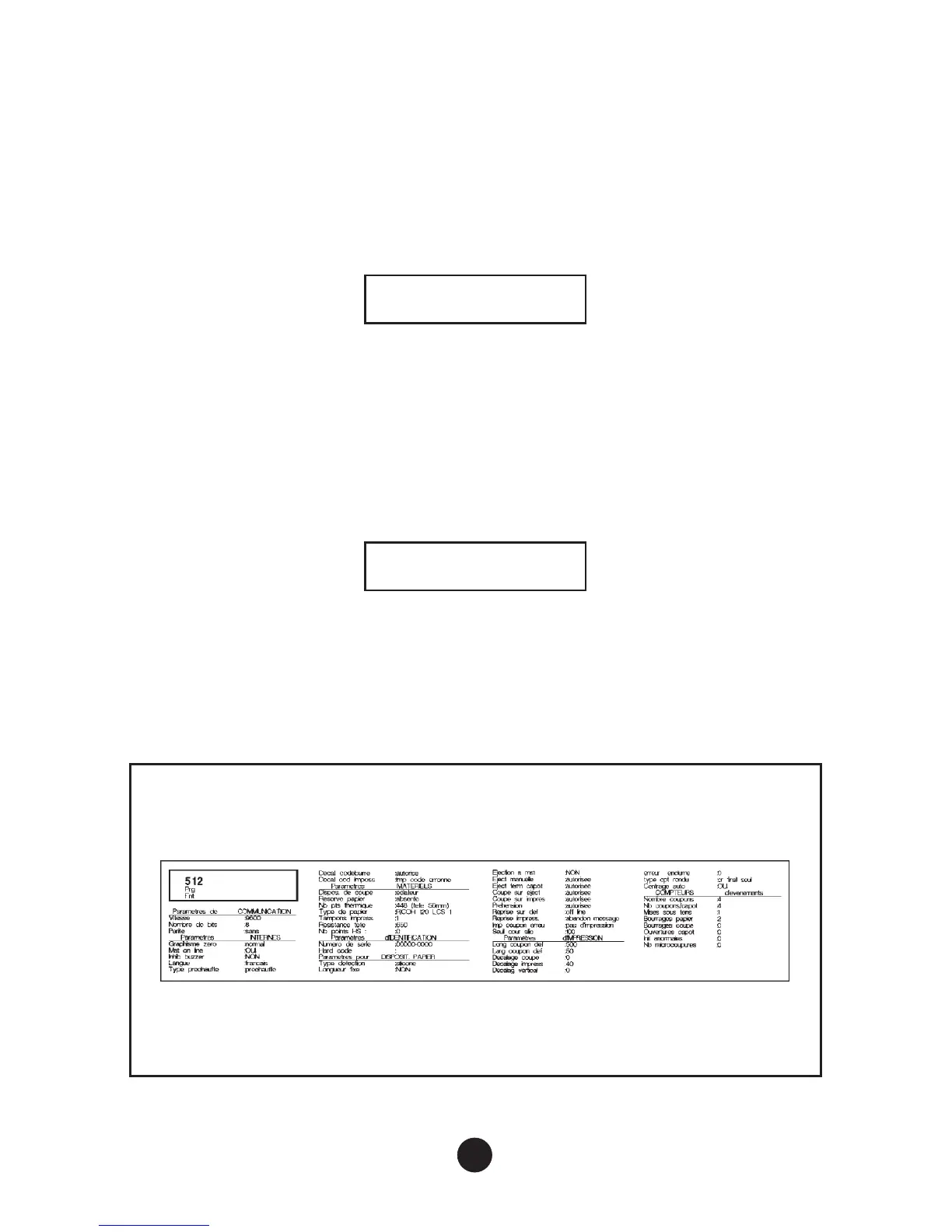
6) Printing the Configuration Test Document
This test document contains information on the configuration of the
IER 512C Printer.
a) Select Self Test mode (see paragraph above)
b) Press “Test” once, and the display reads :
Printing config.
c) The document is printed out automatically.
20



 To Next Page