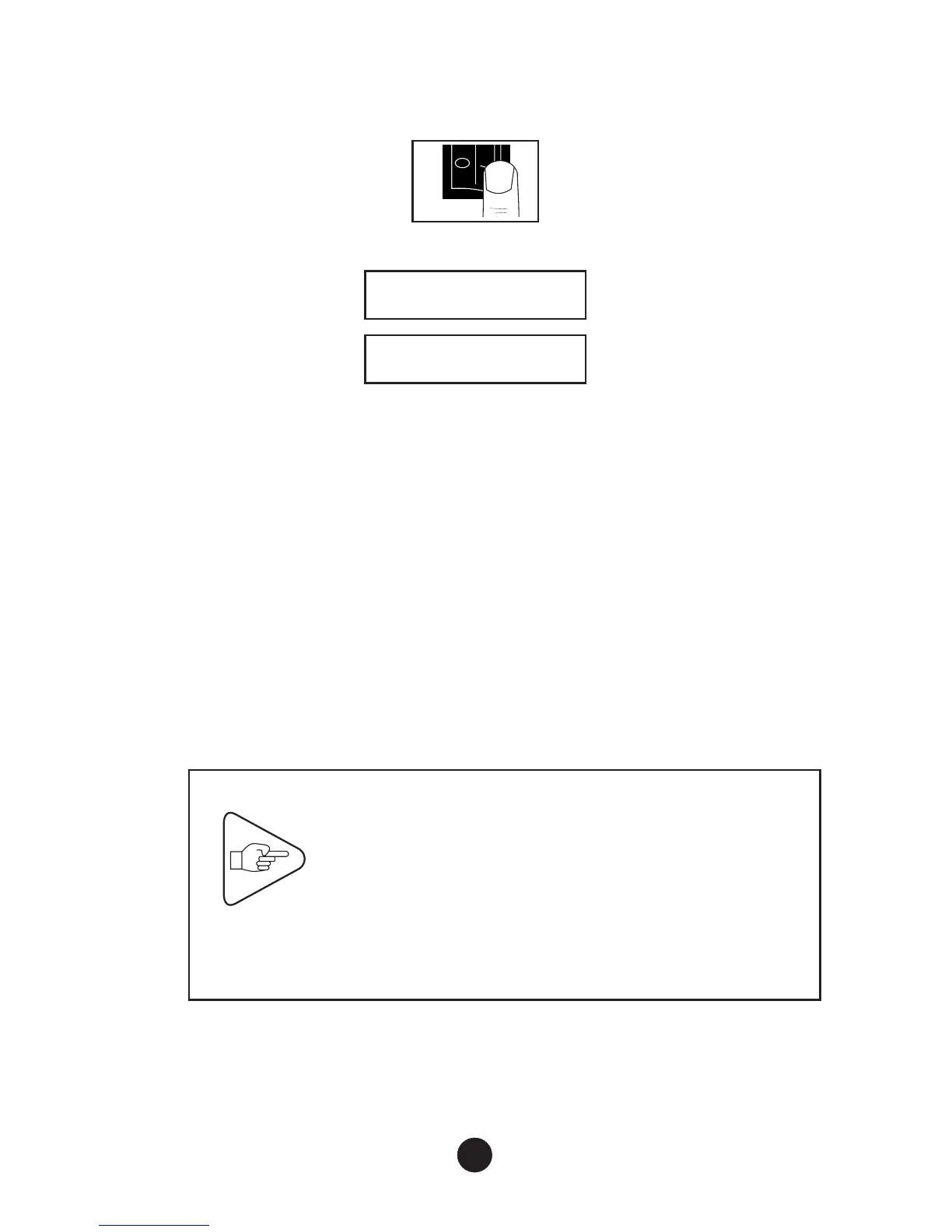
4) Switching on the Printer
a) Switch power switch to “I” to switch on the IER 512C Printer:
b) The display shows one of the two following messages:
IER 512
OFF LINE
IER 512
ON LINE
è
If the display shows an error message, see Page 28 for a
solution to the problem.
5) Loading Blank Fanfold Documents
a) Install a box of fanfold documents (3) at the rear of the printer,
self-adhesive side (or black mark) facing up.
b) Push the printhead lever (1) upwards and slide the document
strip (2) into the paper guides making up the front insertion slot
until the leading edge emerges from the front ejection slot.
c) Lower the printhead lever (1). The document strip is
automatically ejected, possibly after some backward and forward
movements (separation mark self-calibration phase).
IMPORTANT
If positioning documents in the rear insertion
slot poses a problem, check the paper path
adjustment (see Page 10).
The document stock must remain aligned with
the paper path. If the document strip is feeding
unevenly, move the document stock further
away from the insertion slot.
12



 To Next Page