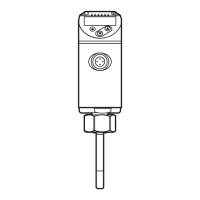
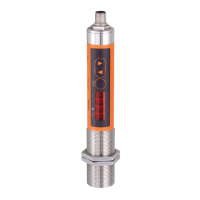
10.2 Settings for temperature monitoring
10.2.1 Setting the degree of emissivity
► Select [EPSI] and set the emissivity using [▲] or [▼].
When [▲] or [▼] is released, the changed target temperature
is displayed for approx� 2 s� After that, EPSI is displayed again�
Confirm the requested value with [Enter]�
TW2000 / TW2100 – Set emissivity with the supplied label (up to maxi-
mum 250 °C):
Ensure during the following measurements that the temperature of
the object to be measured remains constant�
► Select [EPSI] and set the emissivity to 94 %�
► Apply the label to the object to be measured and measure the tempera-
ture with the infrared temperature sensor (= reference temperature)�
► Remove the label and measure the temperature of the object again�
> Displayed temperature deviates from the reference temperature�
► Select [EPSI] and change the emissivity�
► Measure the object again�
► Repeat the process until the displayed value corresponds to the deter-
mined reference temperature�
Decreasing the emissivity leads to an increased temperature
display and vice versa�
Main menu:
[EPSI]


 To Next Page