28
ifm Device Manual SmartSPS AC14 with EtherNet/IP interface (AC1421, AC1422), Firmware 3.1.2 2015-11-30
Operation Page view
>
Button
14196
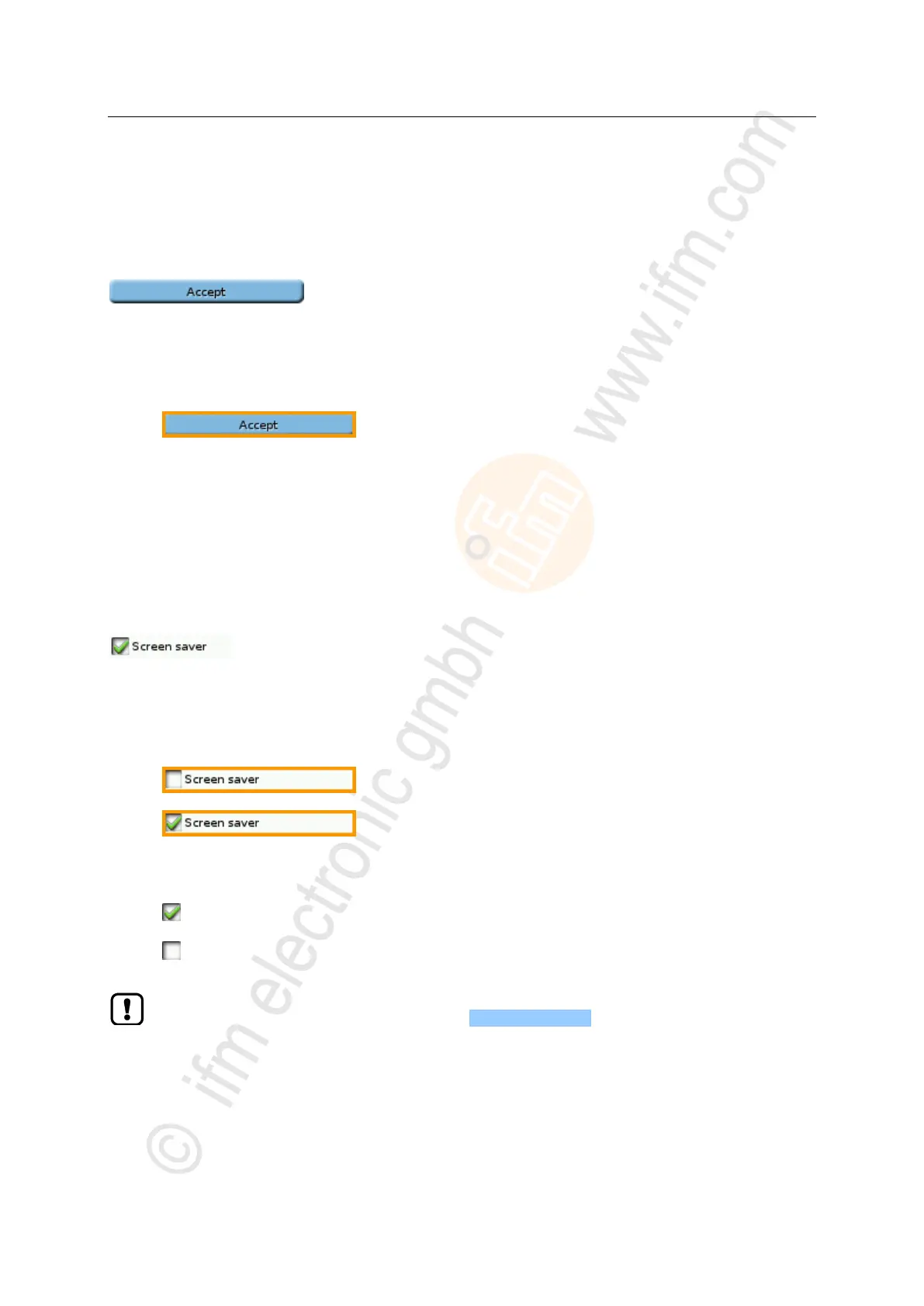
A button allows the operator to carry out a specified action once. The caption on the button describes
the action.
Example:
Use:
1 Select a button
► Use the arrow keys [] / [] to select a button.
> The selected button gets an orange frame:
2 Activate the button
► Use [Select] function key to activate the selected button.
> The function is executed.
>
Checkbox
7038
A checkbox permits the user to activate/deactivate a parameter. A checkbox control element consists
of a checkbox and a caption.
Example:
Use:
1 Select a checkbox
► Use arrow key [] / [] to select the checkbox
> The focus (orange frame) moves to the selected checkbox
OR:
2 Check/uncheck a checkbox
► Use function key [Select] to check/uncheck the selected checkbox.
> The status change is indicated:
= checkbox is checked
OR:
= checkbox is unchecked
The setting or clearing of a checkbox is not always immediately effective. Often the change
must be confirmed by clicking a button (e.g. [Accept selection])!



 To Next Page