56
ifm Device Manual SmartSPS AC14 with EtherNet/IP interface (AC1421, AC1422), Firmware 3.1.2 2015-11-30
Menu AS-i 1 / AS-i 2
>
5.3 AS-i 1 / AS-i 2
14197
The [AS-i 1] and [AS-i 2] menus provide access to configuration functions of the AS-i networks.
The [AS-i 2] menu is only available for devices with two AS-i masters!
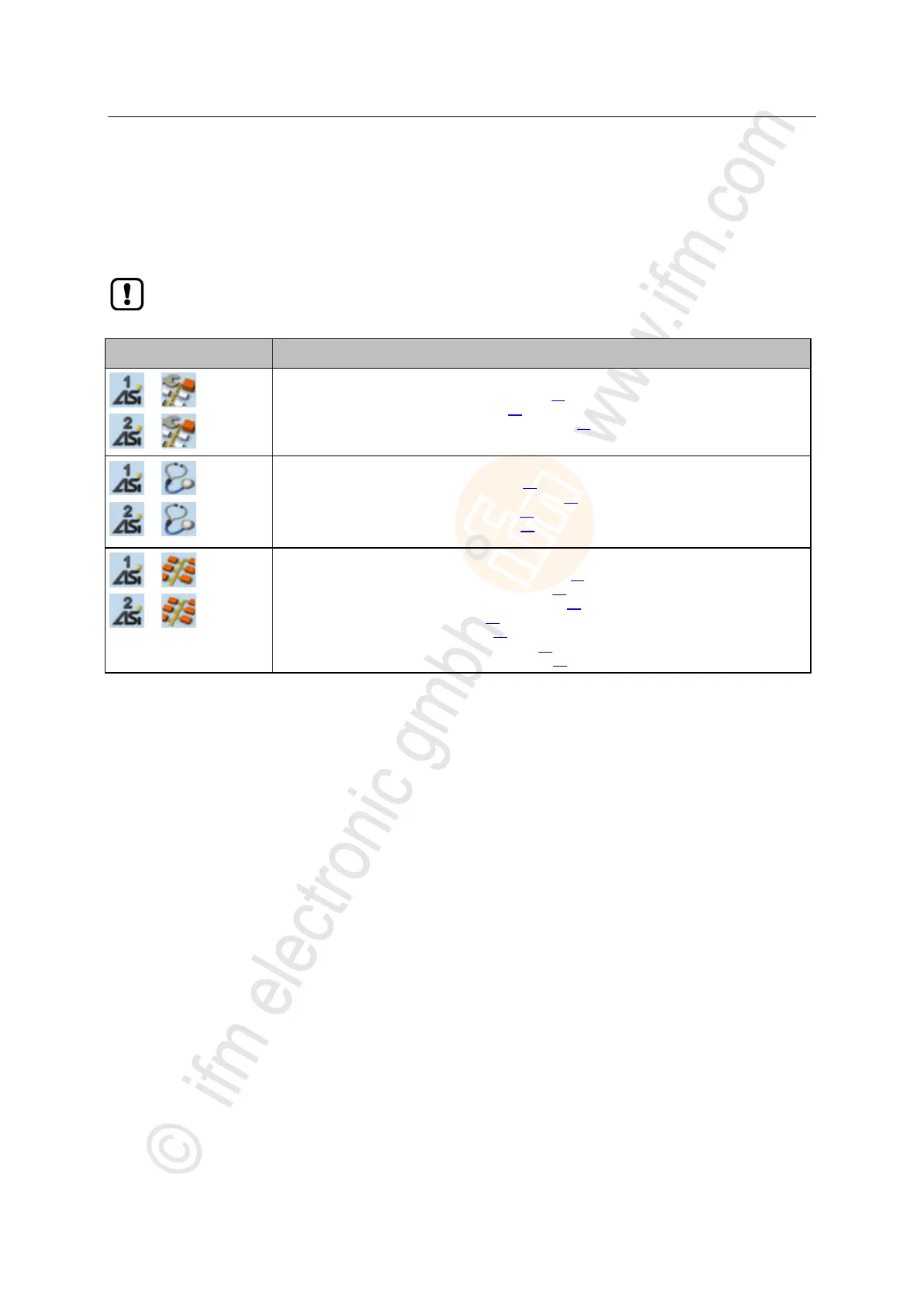
AS-i master settings
→ Set the operating mode of the AS-i master (→ page 57)
→ Carry out a projection adaptation (→ page 58)
→ Set the monitoring functions of the AS-i master (→ page 58)
AS-i network diagnosis
→ Display and reset the error counters (→ page 59)
→ Display the error statistics of the AS-i slaves (→ page 59)
→ Display the voltage supply analysis (→ page 60)
→ Display and reset performance data (→ page 60)
AS-i slave settings
→ Display the input/output data of the AS-i slave (→ page 61)
→ Change the digital output values manually (→ page 63)
→ Change the analogue output values manually (→ page 63)
→ Show AS-i slave information (→ page 64)
→ Change an AS-i slave address (→ page 65)
→ Change an AS-i slave parameter output (→ page 65)
→ Change the Extended ID1 of the AS-i slave (→ page 66)



 To Next Page