ifm Device Manual SmartSPS AC14 with EtherNet/IP interface (AC1421, AC1422), Firmware 3.1.2 2015-11-30
Menu System
device-internal PLC.
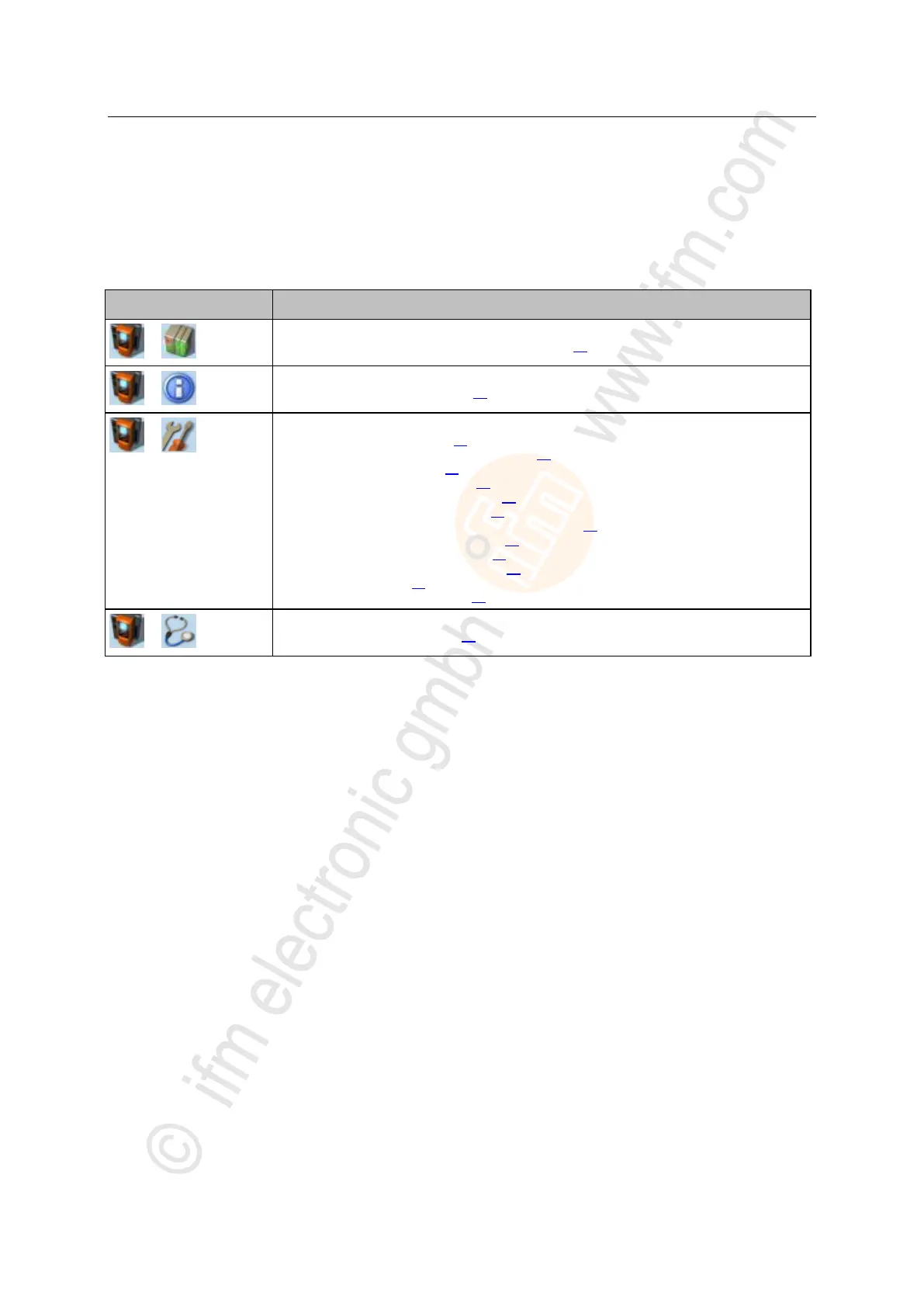
System settings
→ Set the output access (→ page 75)
→ Enable/Disable the device-internal PLC (→ page 76)
→ Set the device cycle (→ page 77)
→ Switch the menu language (→ page 78)
→ Set the behaviour of the display (→ page 79)
→ Set the system time manually (→ page 81)
→ Synchronise the system time with an NTP server (→ page 82)
→ Adopt the system time of the PC (→ page 83)
→ Save the device configuration (→ page 84)
→ Restore the device configuration (→ page 85)
→ System reset (→ page 86)
→ Store diagnostic protocol (→ page 86)



 To Next Page