79
ifm Device Manual SmartSPS AC14 with EtherNet/IP interface (AC1421, AC1422), Firmware 3.1.2 2015-11-30
Menu System
>
Set the behaviour of the display
9107
To set the display behaviour (screen saver, behaviour in case of inactivity):
1 Select the menu page
► >
► Select [System settings] tab.
2 Set the behaviour of the display
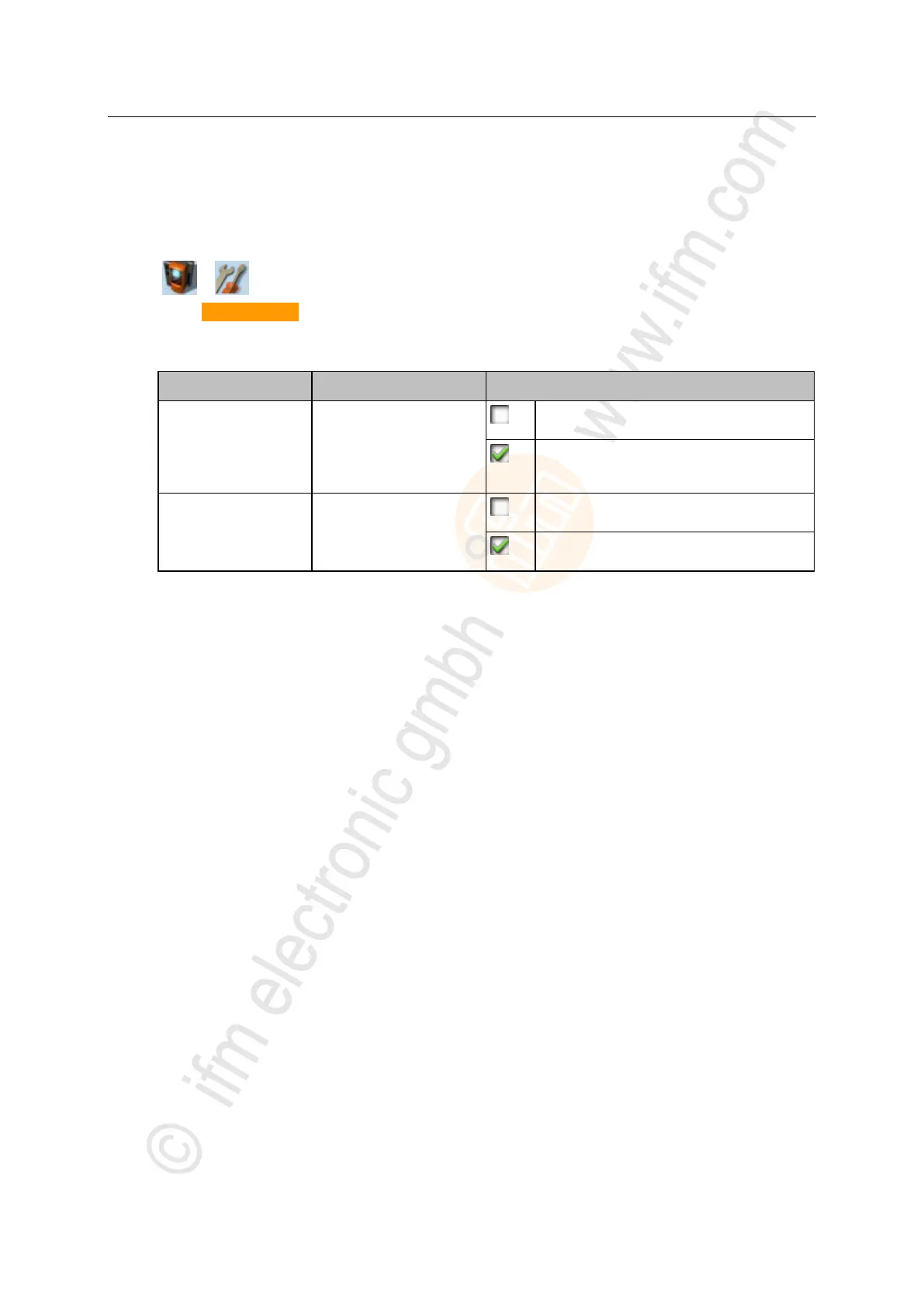
► Set the following parameters as required:
Status of the screen saver
Screen saver is inactive:
Display remains permanently switched on.
Screen saver is active:
Display is switched off after 10 minutes of
inactivity.
Display behaviour in case of
extended period of user
inactivity
The currently selected menu page stays on the
screen.
When the set time has elapsed, the display
automatically changes to the start screen.
> Selected values are applied.



 To Next Page