41
ifm Device Manual SmartSPS AC14 with EtherNet/IP interface (AC1421, AC1422), Firmware 3.1.2 2015-11-30
Operation Remote access
>
4.4.3 Operating instructions
Web interface: Access
10283
► PC / Laptop / mobile device: Start Internet browser.
► Internet browser: Enter IP address of the device in the address line
(e.g. 192.168.82.2)
> Internet browser displays the start page of the web interface.
>
Web interface: navigation
14193
In the web interface, the pointing device (e.g. mouse, touchpad) is used instead of the following key
functions:
Navigation functions of the arrow keys [], [], [], []
Selecting functiions of the function keys [Select] and [Back]
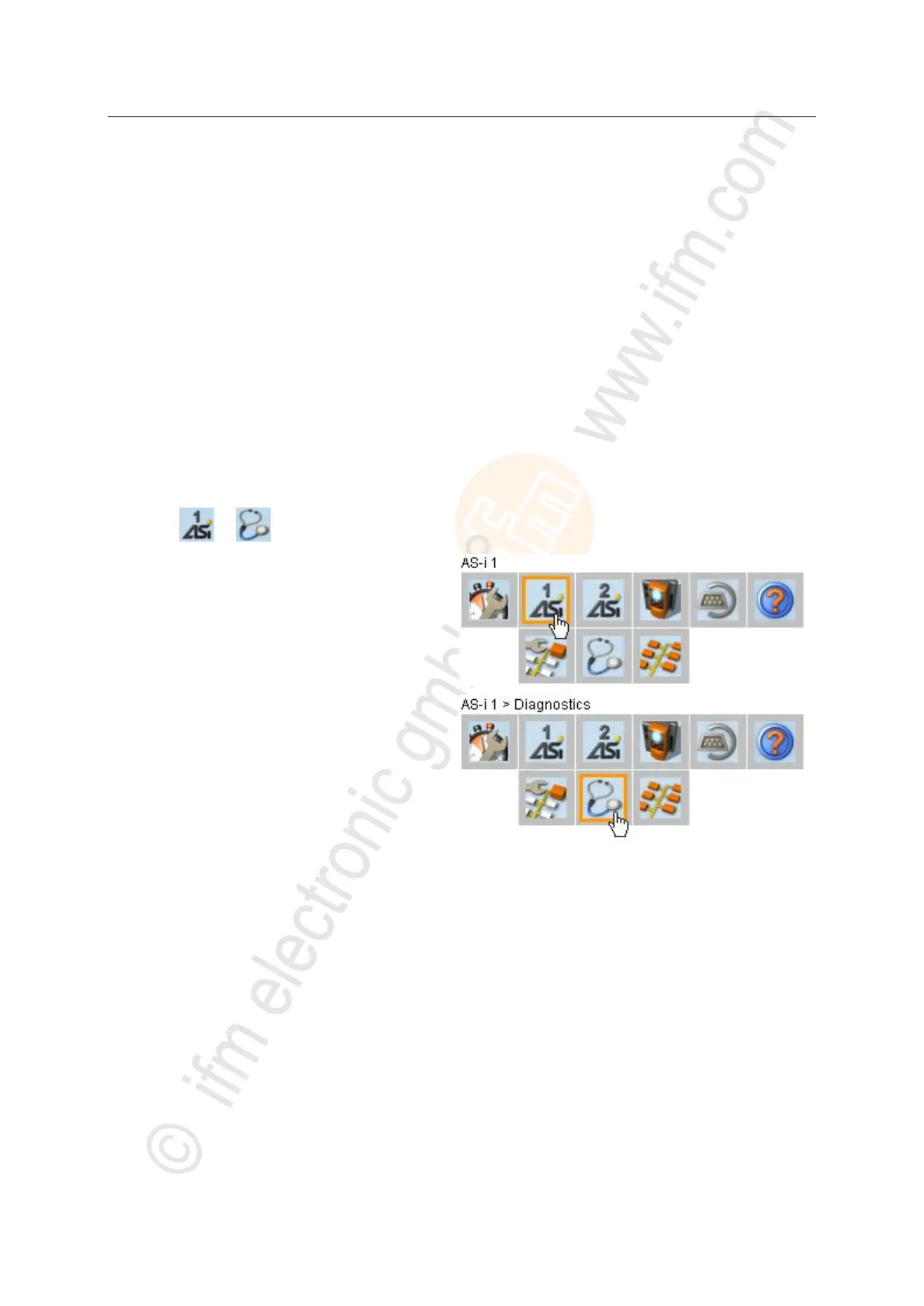
Example:
To select > :
► Place the cursor on symbol [AS-i 1] in the main
navigation bar.
> symbol [AS-i 1] has the focus.
> Subnavigation bar appears.
> Navigation trail shows actual position in the menu tree:
AS-i 1
► Place the cursor on symbol [Diagnosis] in the
subnavigation bar.
> symbol [Diagnosis] has the focus.
> Navigation trail shows actual position in the menu tree:
AS-i 1 > Diagnosis
► Click on symbol [Diagnosis]
> Web browser shows menu page [Diagnosis]



 To Next Page