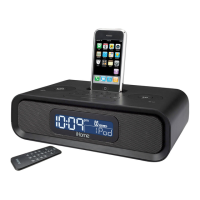
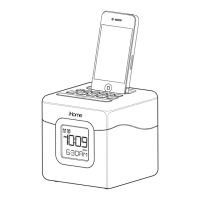
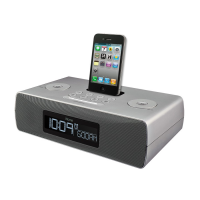
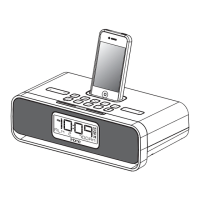
iPHONE & iPOD
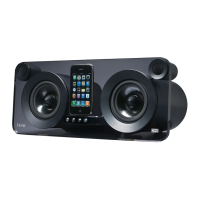
Docking & Charging your iPhone or iPod
Make sure your iPod/iPhone’s firmware is up to date via iTunes
before use. Remove your iPod/iPhone from case or skin before
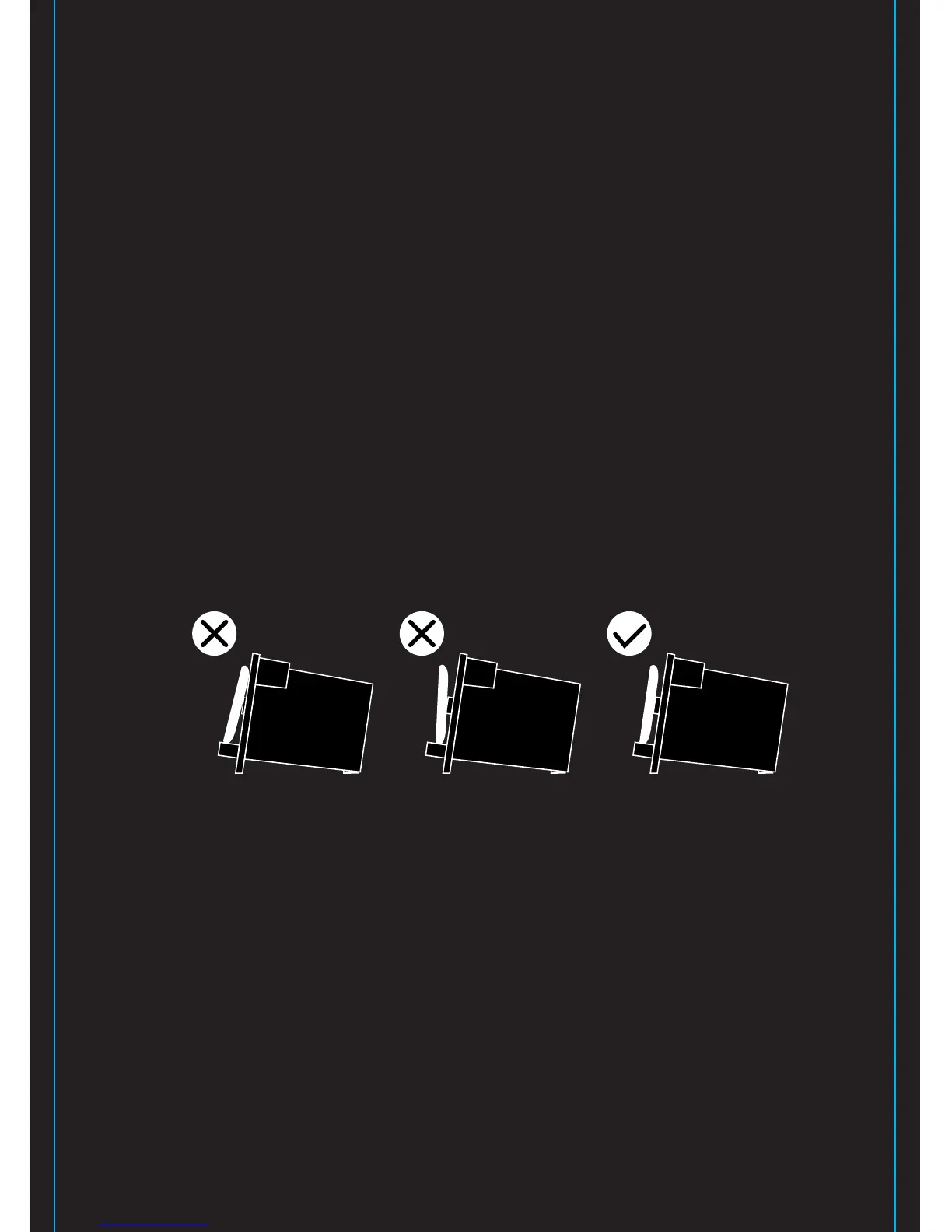
docking. Carefully dock your iPod/iPhone onto the dock. Turn the
Bumper Adjust Knob on the back of the unit until the bumper
touches the back of your iPod/iPhone. Bumper should not push
your iPod/iPhone too far forward. Your iPhone or iPod will charge
while docked.
Listening to iPhone or iPod
Press the Power Button to turn the unit on. Press Play on iPhone
or iPod to listen to music. Adjust levels with - or + Buttons. Use
the Remote control for further adjustments. When unit is off,
docking an already playing iPhone or iPod will turn it on.
4


 To Next Page